Case studyAliya’s Beauty
A salon’s website, booking and staff tools. Built as one system.
Aliya’s Beauty is a brow and lash studio in South Shields. We designed and built its landing page, the booking flow, the client accounts and the staff portal behind them.
- Client
- Aliya’s Beauty
- Where
- South Shields
- What we built
- Website, booking, client accounts, staff tools
LaunchThe landing page
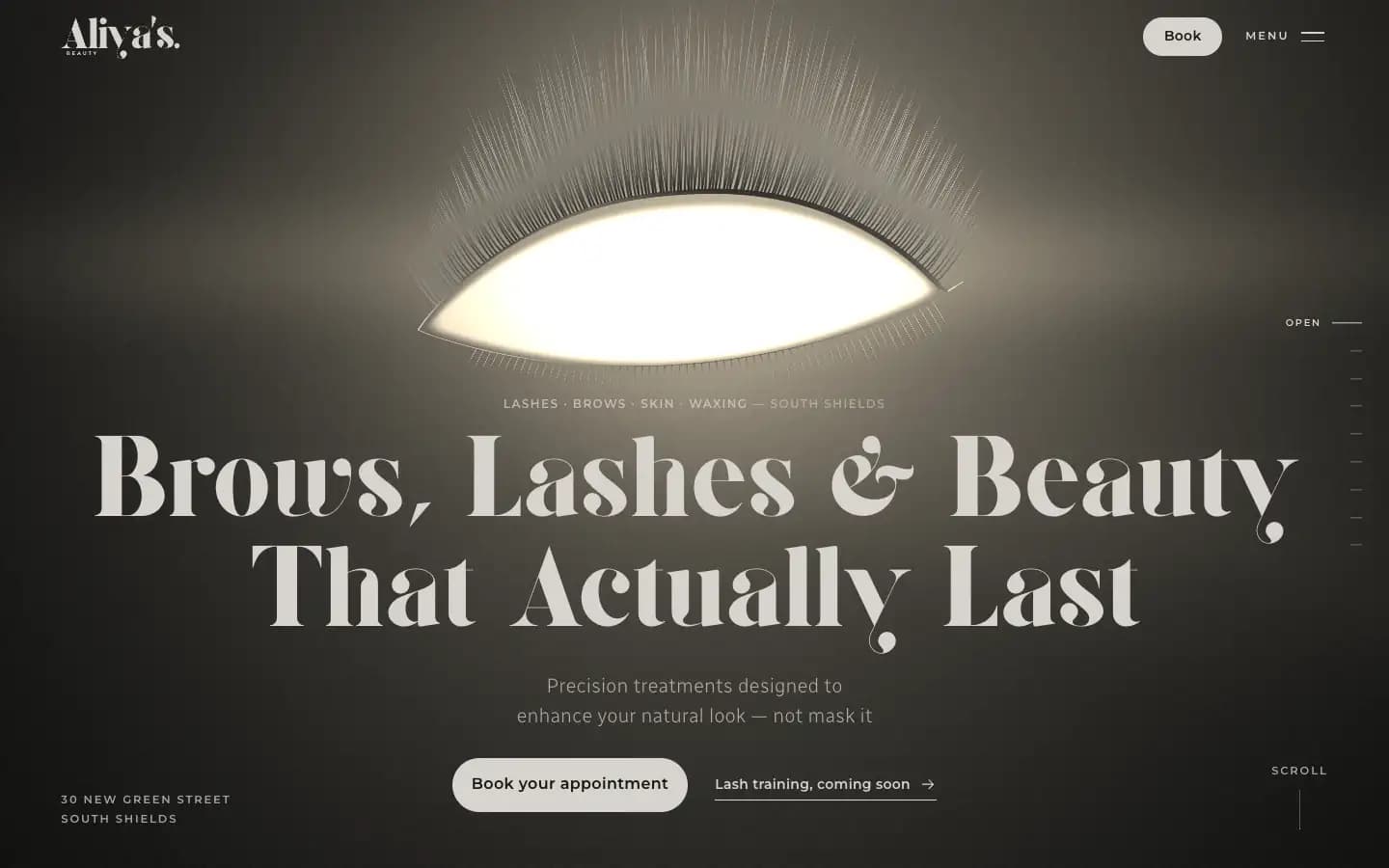
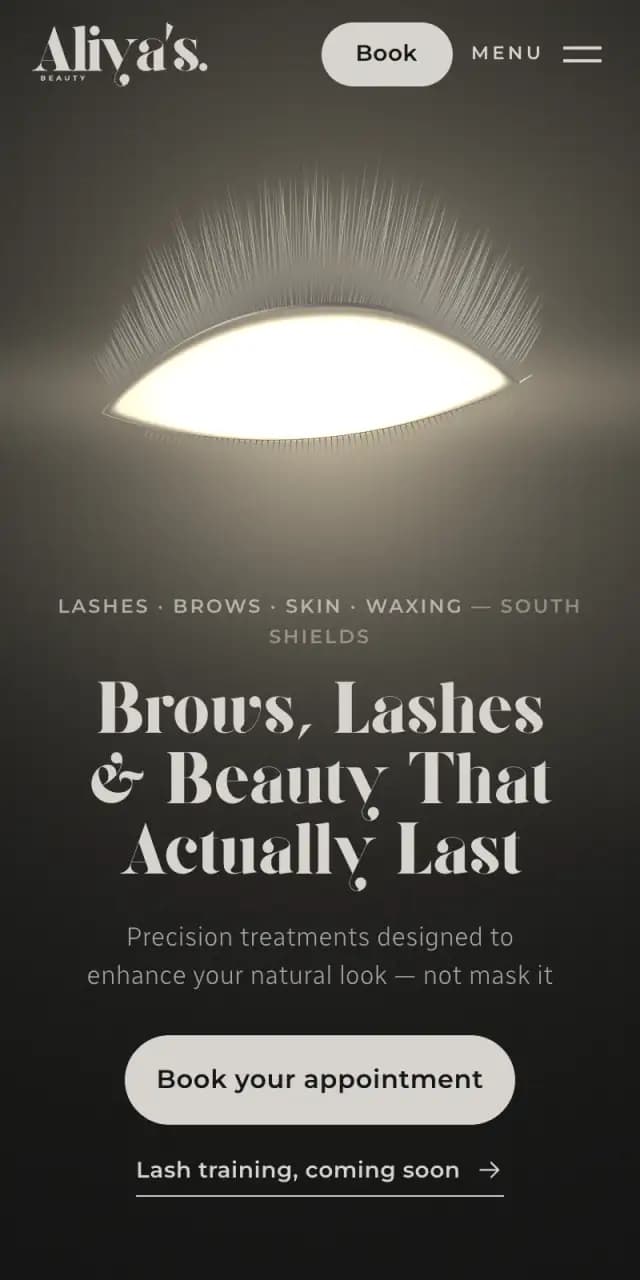
We built the landing page around a single eye.
It is drawn from lash fibres, and it wears the treatments as you scroll. This is the page itself, replayed.
- The welcomeTheir headline, with a button to book straight away.
- The methodThree lines on how the studio works, as the fibres sort into trays.
- LashesEach lash set in turn, with its name, its price and a button to book it.
- BrowsShaped, tinted and laminated, with the price list beside them.
- SkinFacials and waxing, under a single drop.
The page goes on to their photographs, the lash training on its way and how to find the studio, and closes on one more way to book.
AutomateThe booking
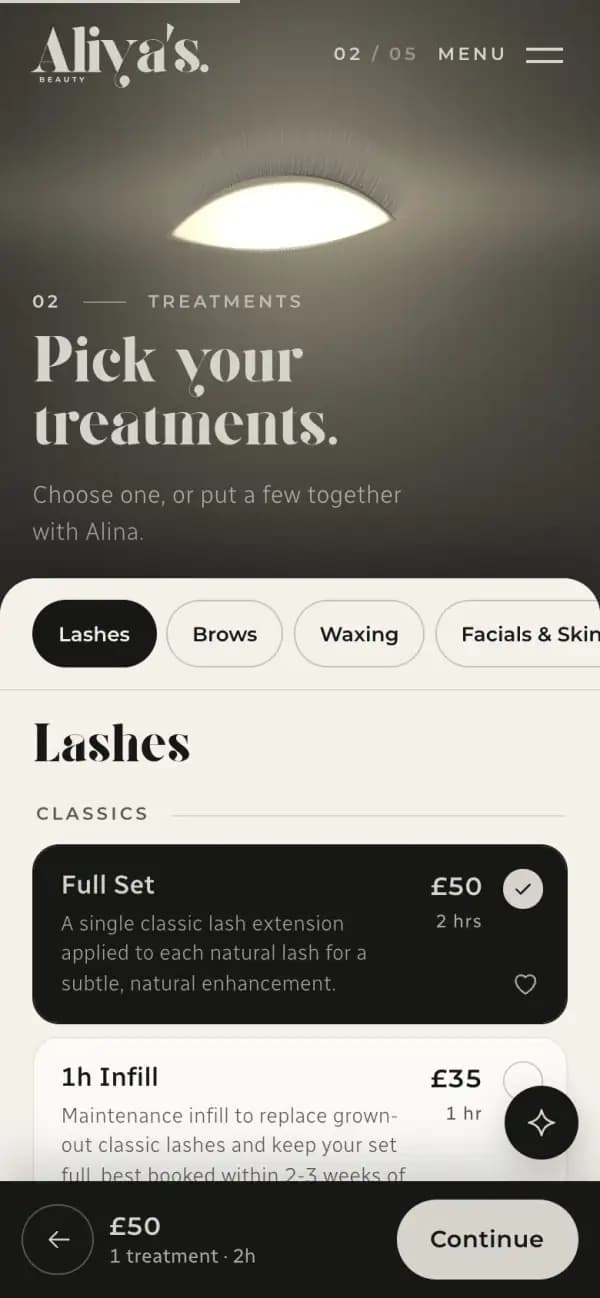
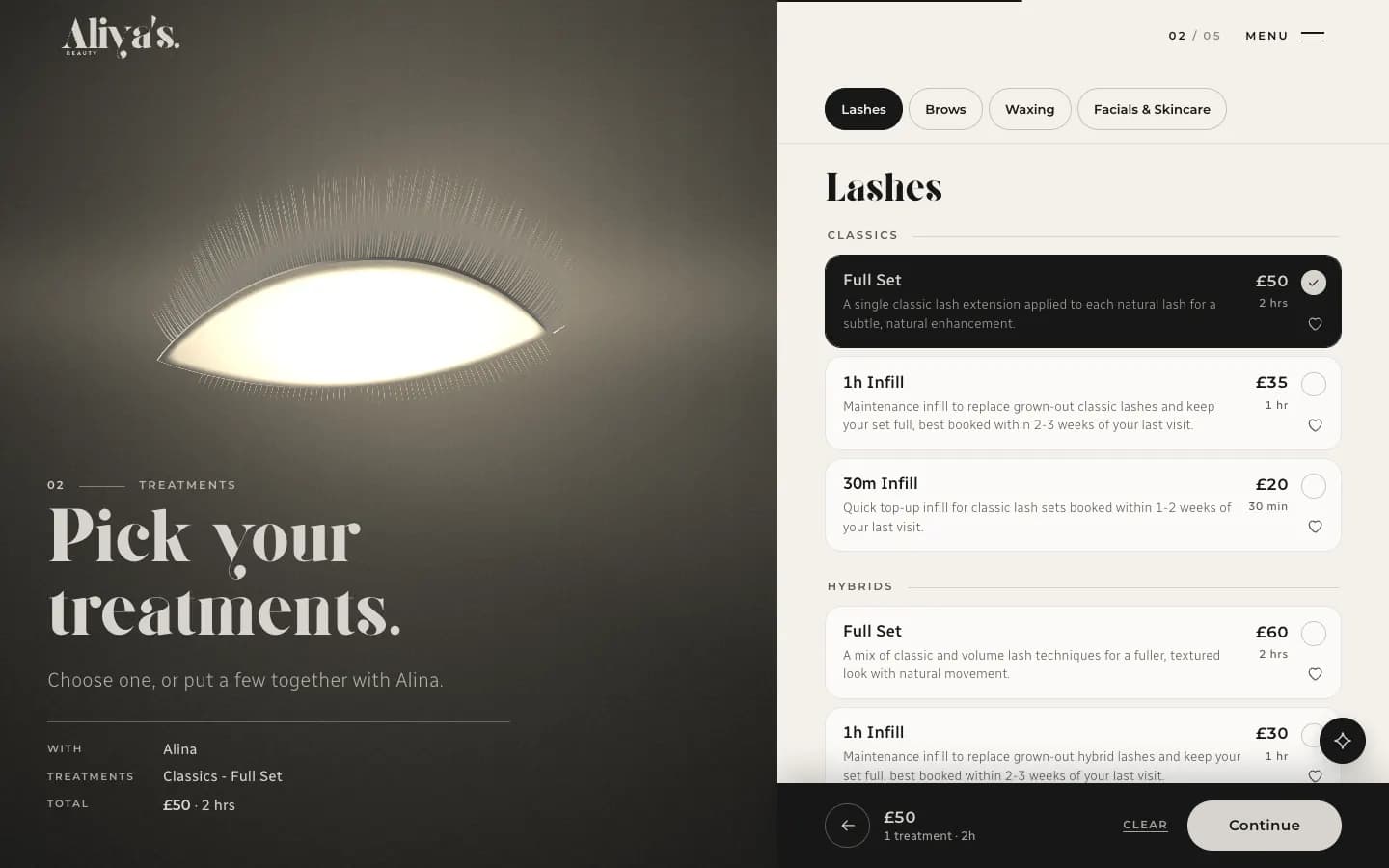
We built the booking in five steps.
One page takes a client from choosing a stylist to paying the deposit. As treatments are added, the price and the time add up at the foot of the screen.
- StylistWho the visit is with.
- TreatmentsOne, or a few together.
- Day and timeOnly the times that fit are offered.
- DetailsAlready filled in for a client with an account.
- SummaryA deposit by card now. The rest is charged before the visit.
LaunchEvery other page
We designed every other page to match.
Signing in, the booking confirmation, the training waitlist, the journal, the policies and the page for a wrong address all share one frame.
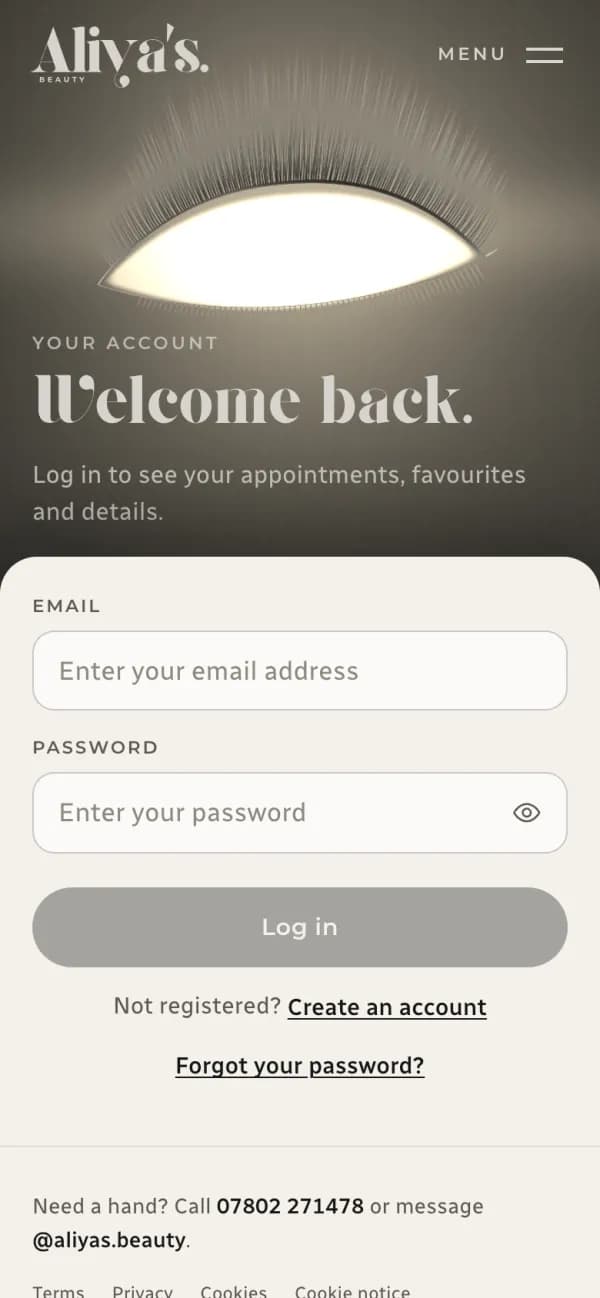
Sign in 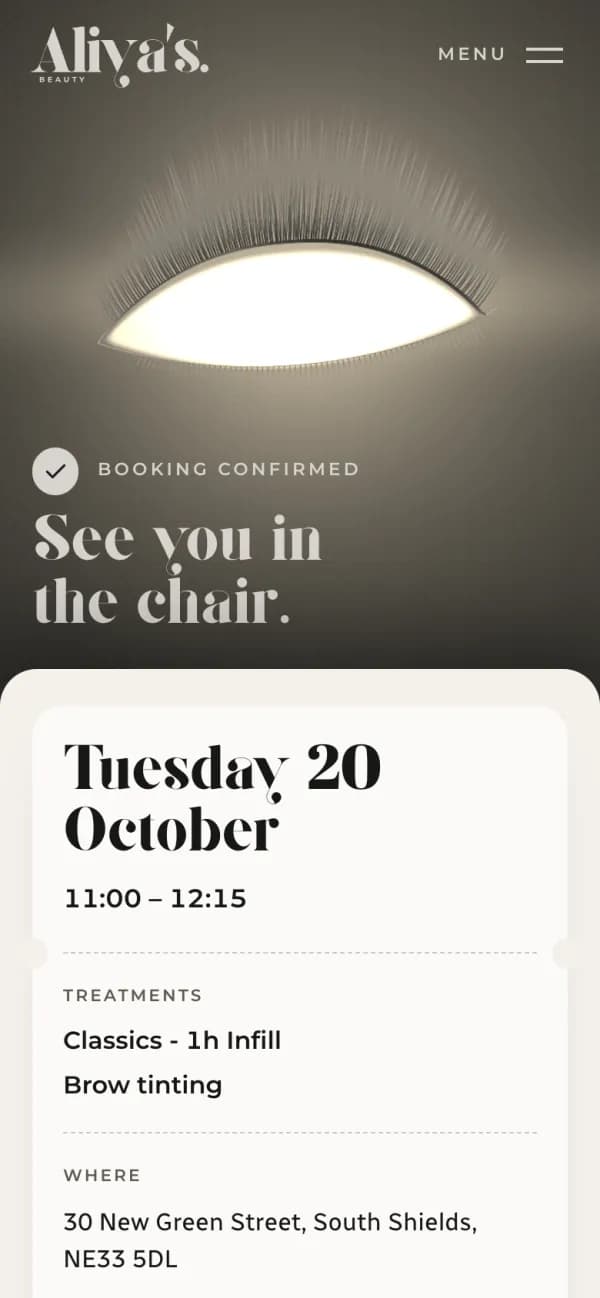
Booked 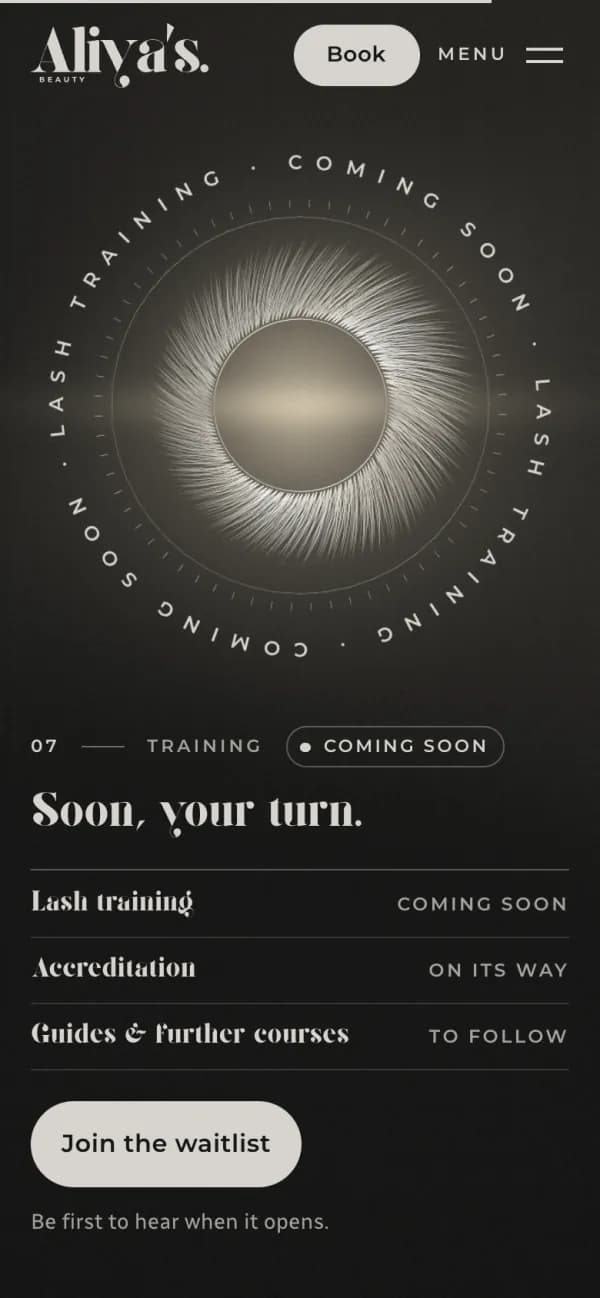
Training 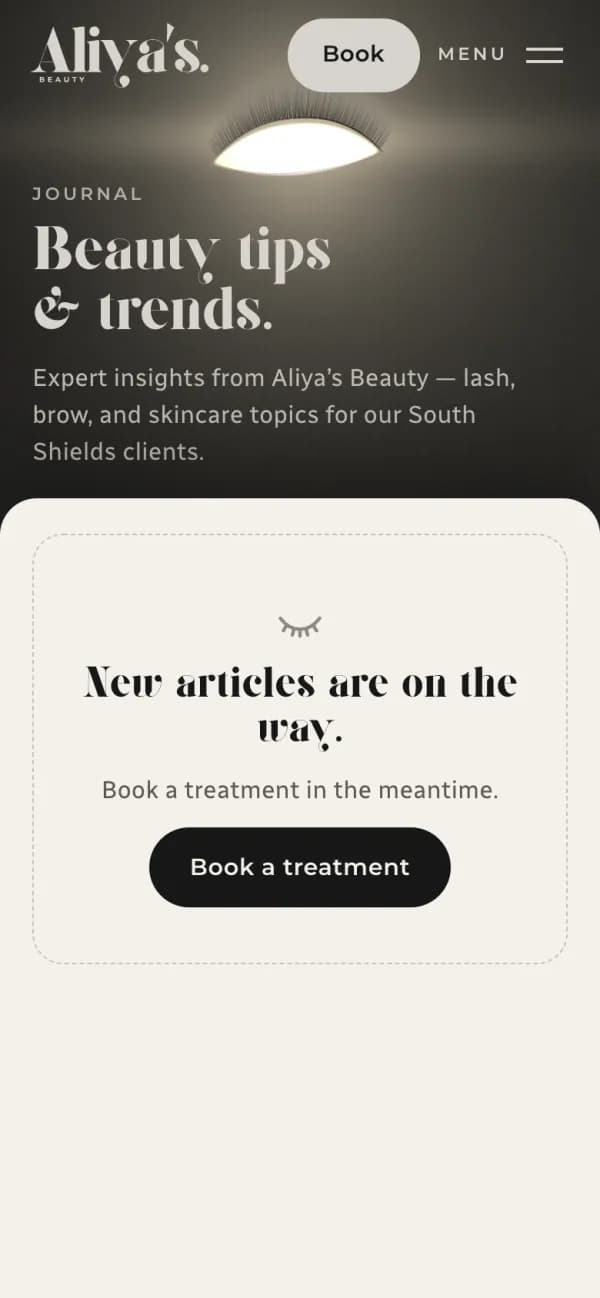
Journal 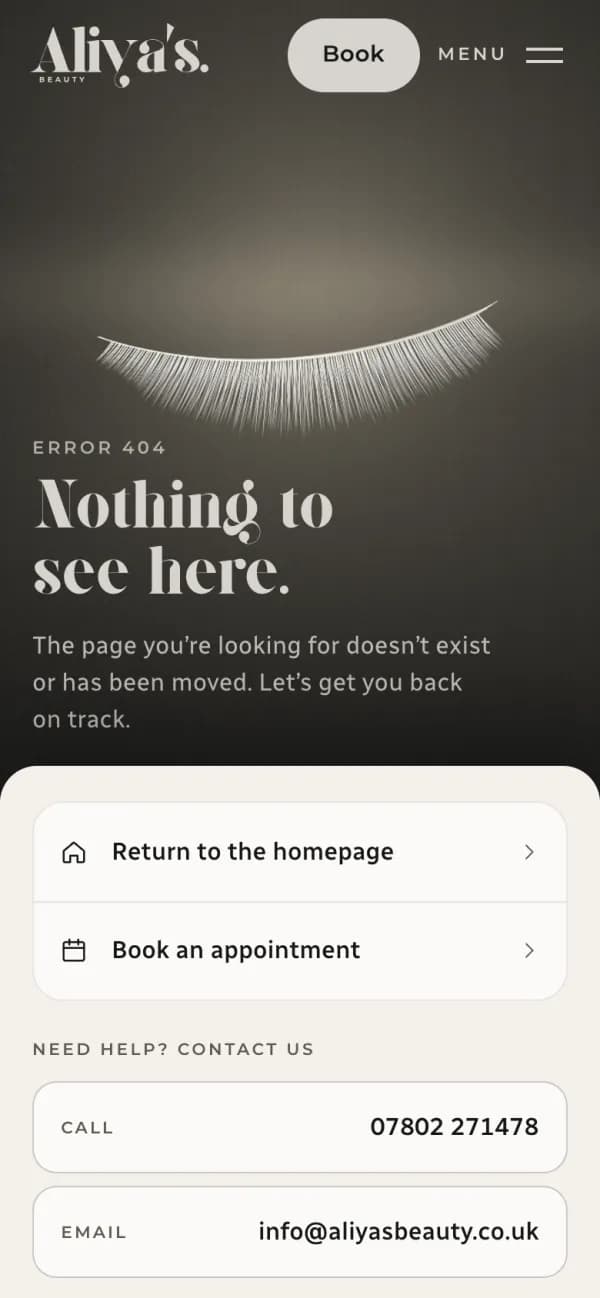
Page not found 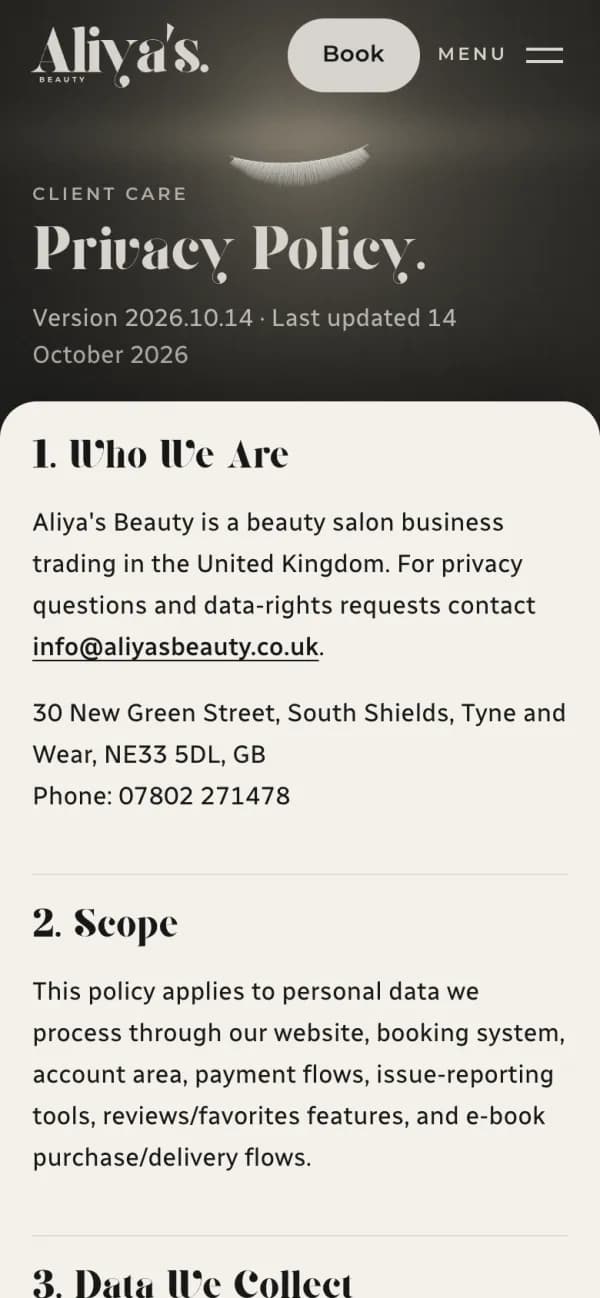
Policies
BuildClient accounts
We gave clients an account.
A client can see what is booked and what has been paid, save a treatment to book again, and leave a review after a visit.
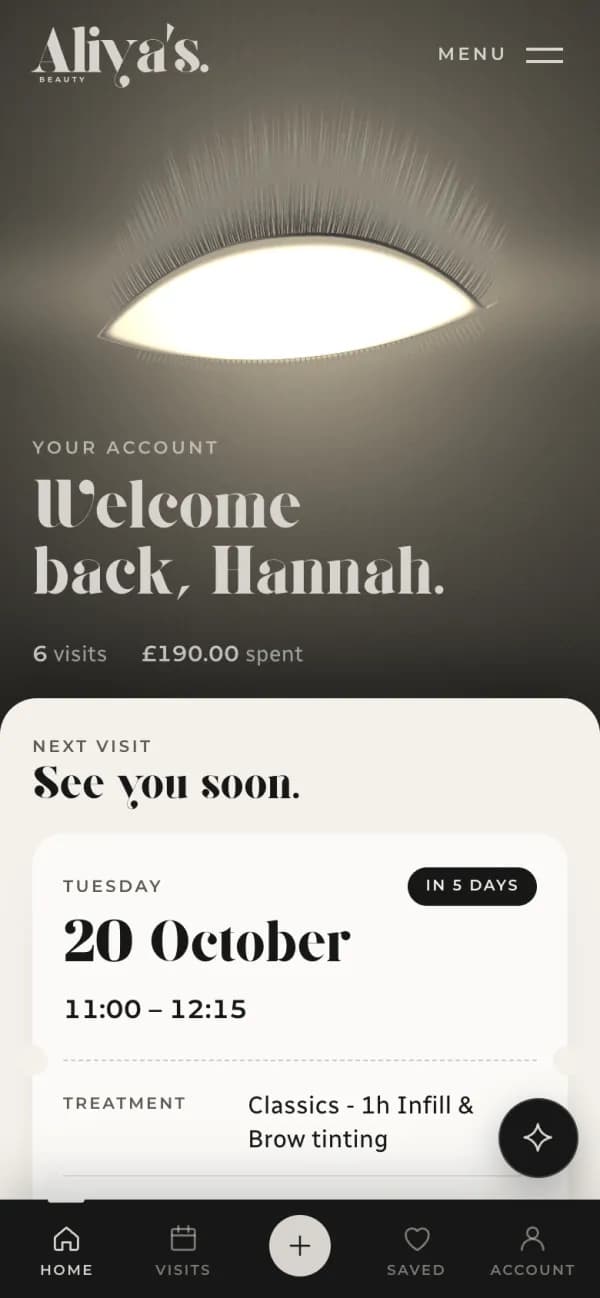
Home 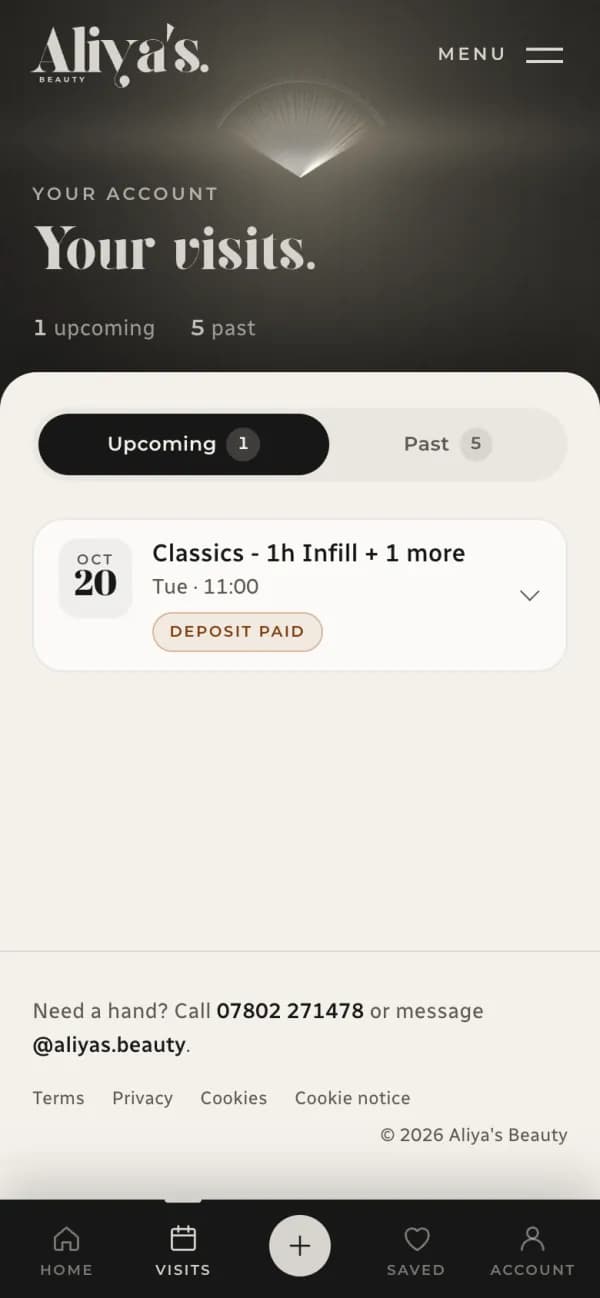
Visits 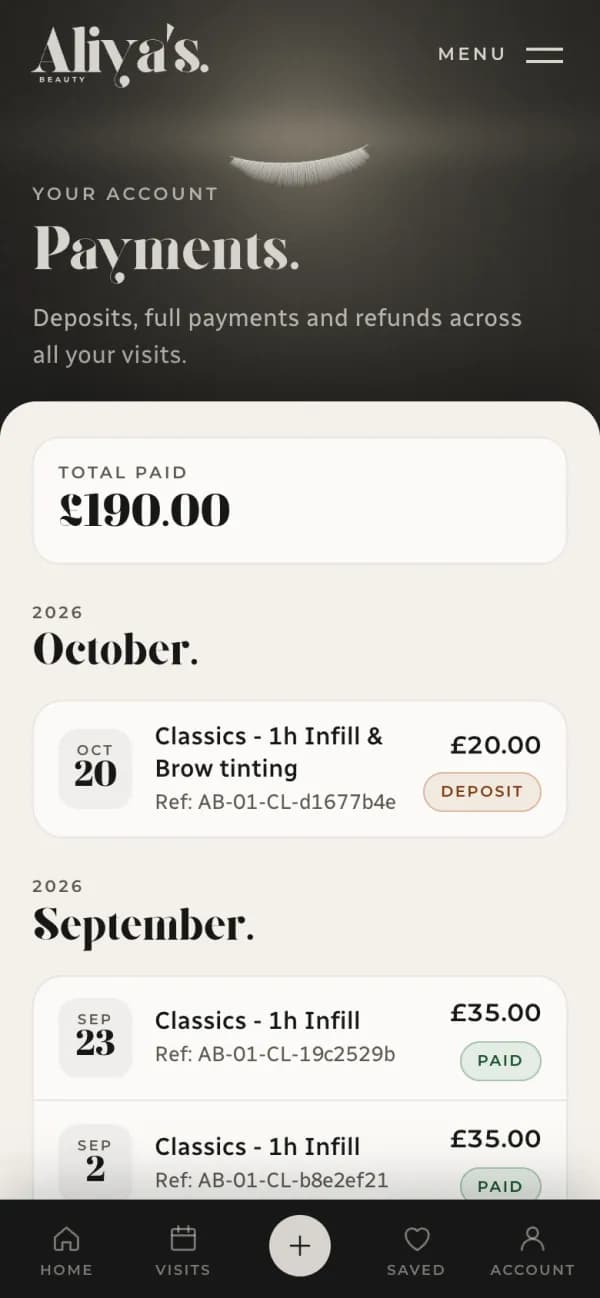
Payments
- Visits
- Upcoming and past, with cancelling built in.
- Payments
- Deposits, full payments and refunds, visit by visit.
- Saved, reviews, details
- Treatments to book again, a review after a visit, and their own details and notifications.
Shown with a demo client account.
BuildStaff tools
We gave staff the controls.
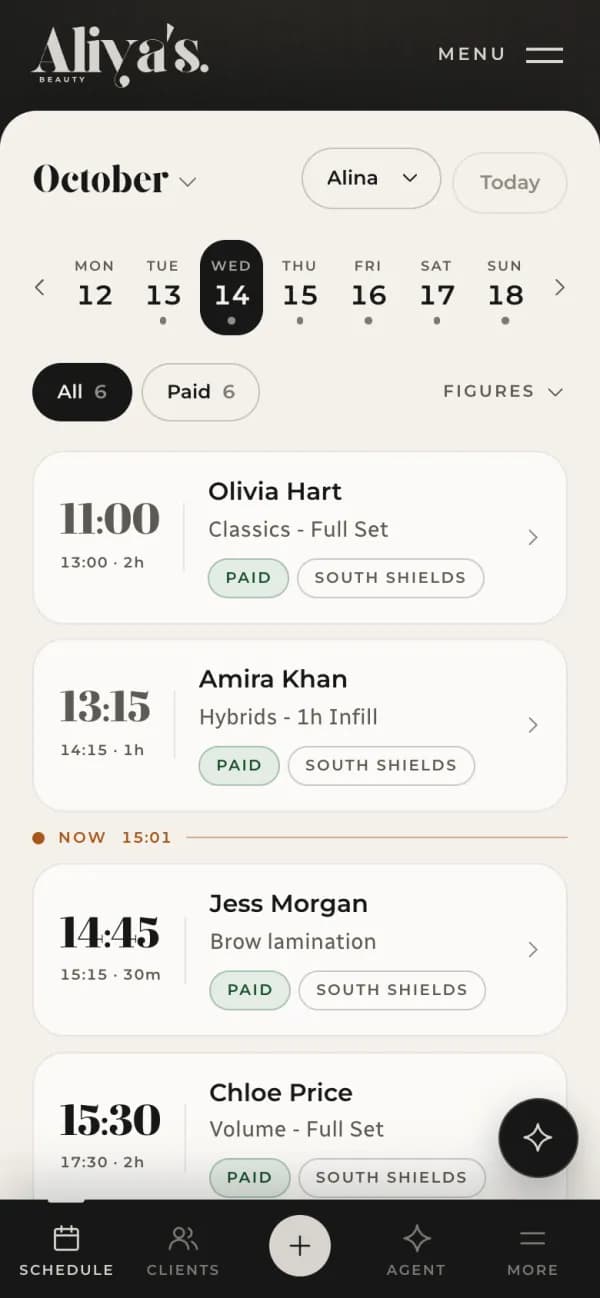
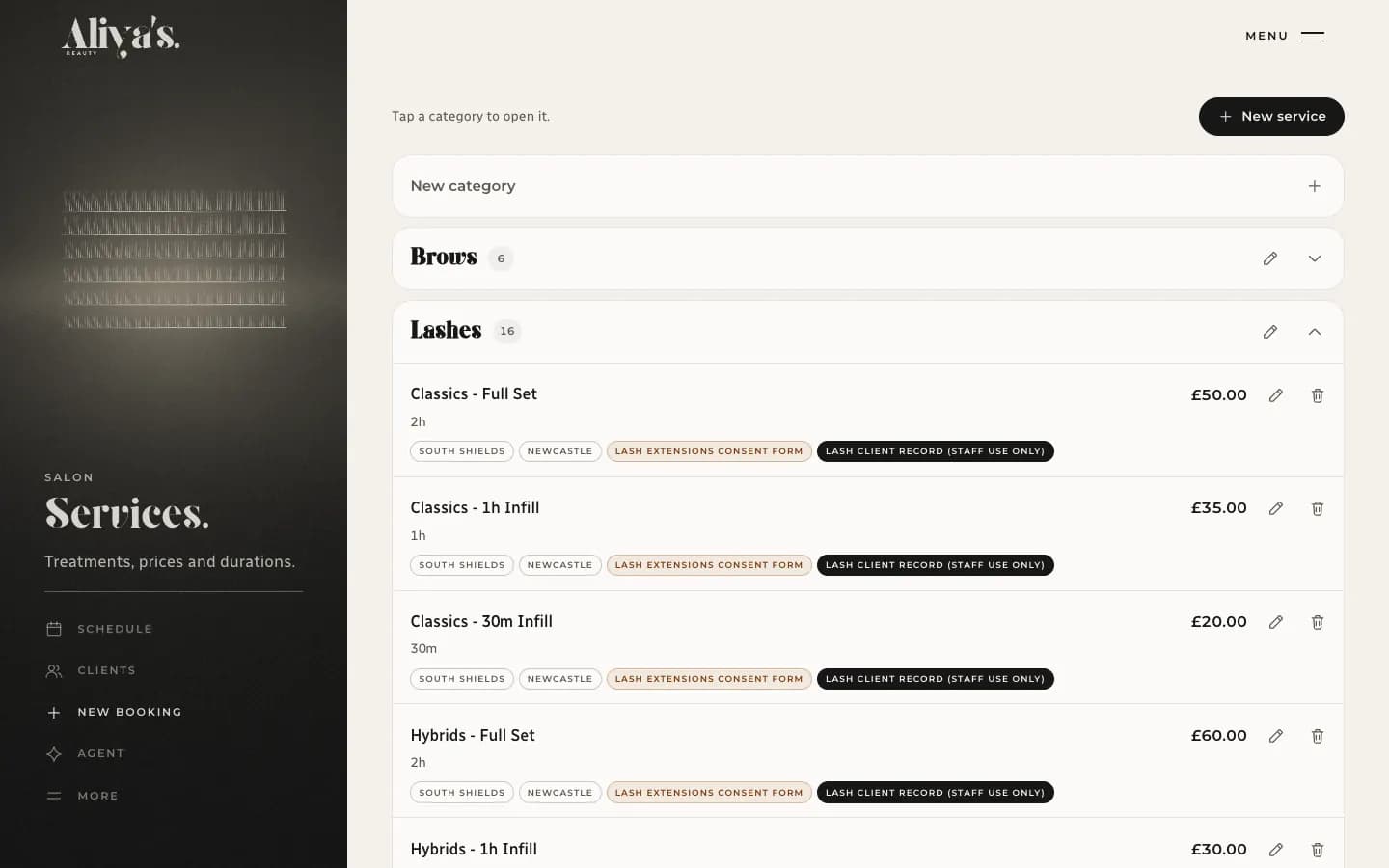
The studio runs its diary, its treatment menu and its hours from the same system. Changing a price or a shift does not need a developer.
Schedule 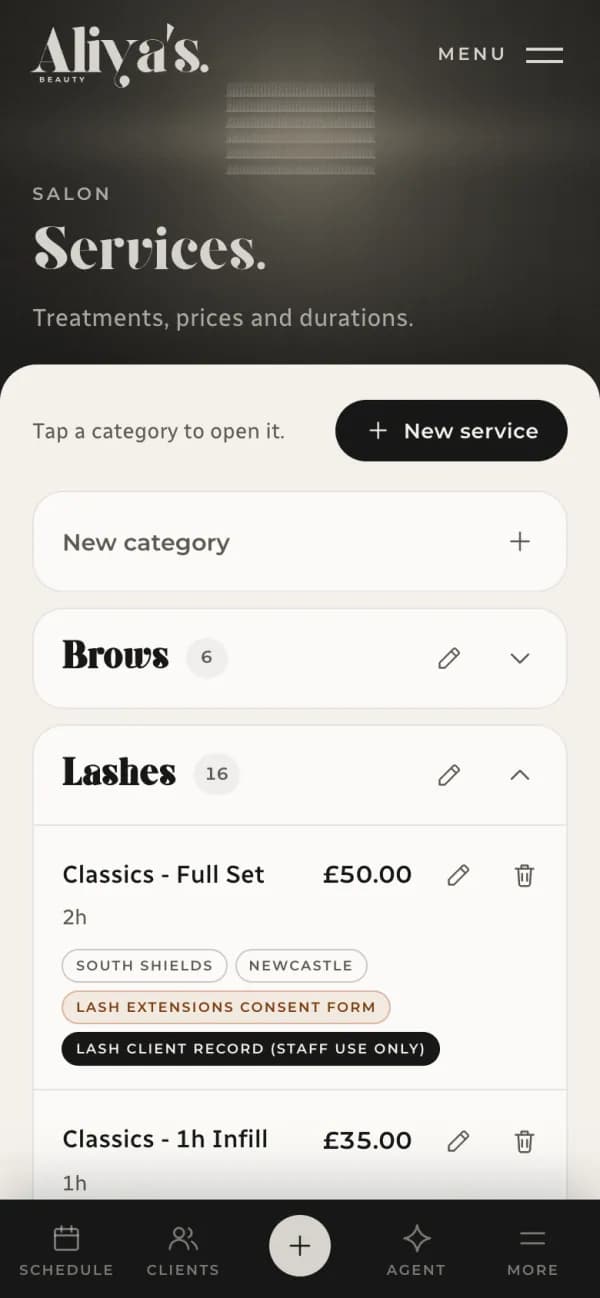
Services 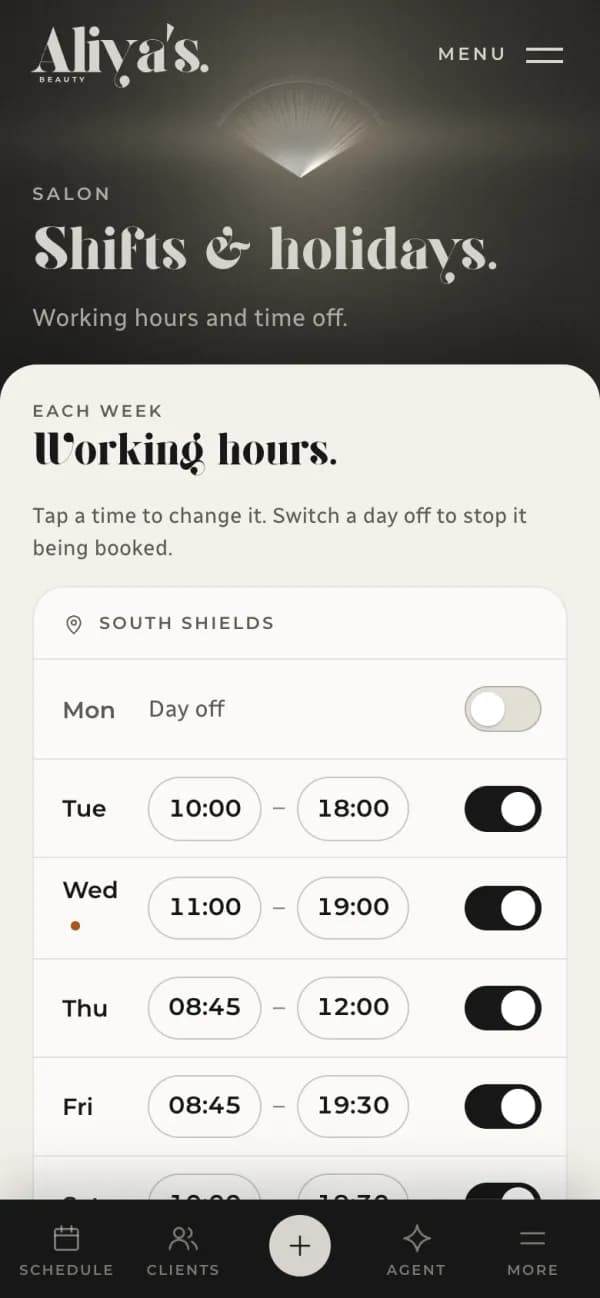
Shifts
In the staff portal
- Schedule
- Clients
- Services and prices
- Shifts and holidays
- Team and permissions
- Payments
- Analytics
- Email campaigns
- Consent forms
- Training waitlist
- Settings
Switch a day off in Shifts and it stops being offered for booking.
The diary is shown with demo bookings. Every name in it is made up.
What this shows, and what it doesn’t.
- The brief
- A booking is a chain of decisions: treatment, time, stylist, deposit. Staff had to be able to change treatments and hours without breaking it.
- What we built
- The landing page, the booking flow, client accounts, the staff portal, card payments, the emails, the consent forms and the training waitlist.
- How it runs
- As one system. A booking, a payment and a change to the menu all land in the same records, so the site, the accounts and the diary agree.
- Not claimed
- No figures for bookings, revenue or traffic. Those are the studio’s own, and we don’t publish them.
Now picture yours.
Every project starts with what the business does. Tell us where yours gets stuck and we’ll say where we would start.