Case studyTreetop Gardens
A landscaper’s website, quotes and jobs. Built as one system.
Treetop Gardens clears, builds and looks after gardens across South Tyneside, and takes the waste away under its own licence. We designed and built its website, the enquiry form, customer accounts and the staff workspace that turns an enquiry into a booked job.
- Client
- Treetop Gardens
- Where
- South Tyneside
- What we built
- Website, enquiry form, quotes and jobs, customer accounts
LaunchThe landing page
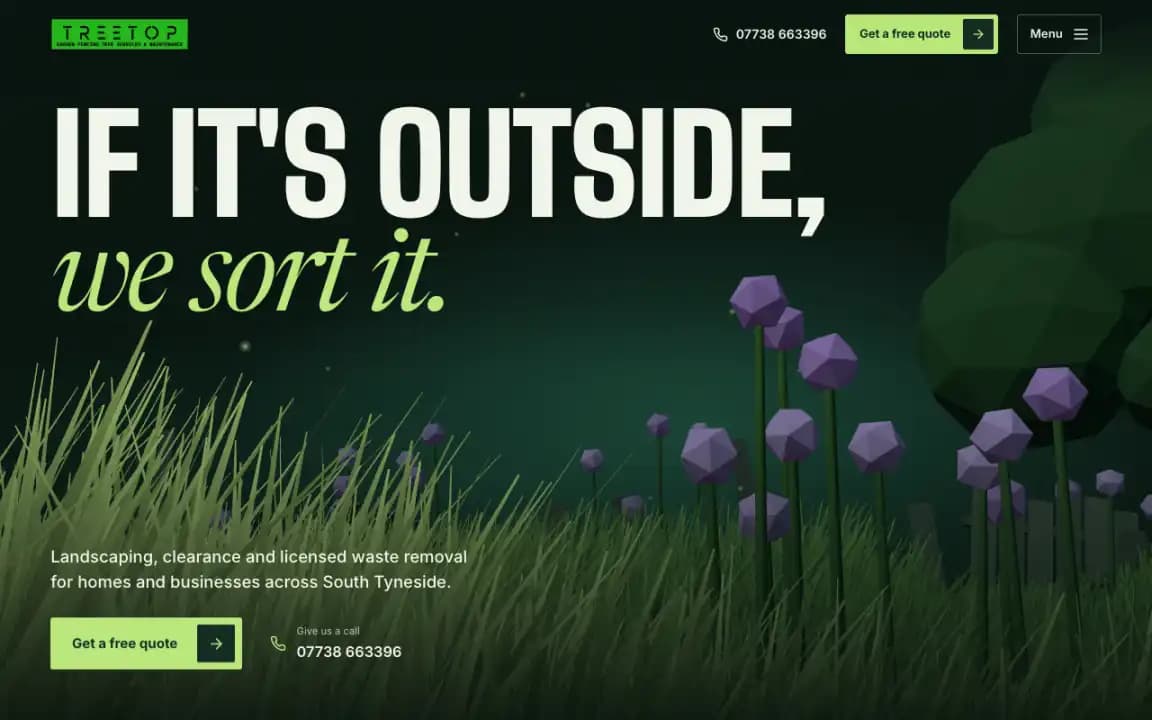
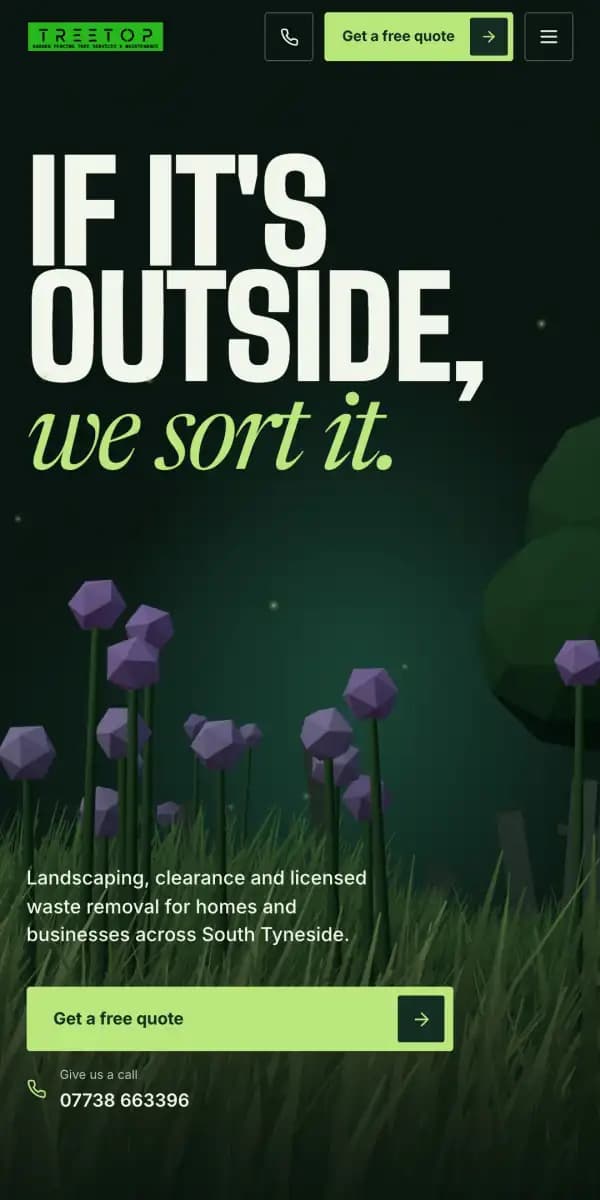
We built the landing page around one garden.
Scrolling builds it, one of their services at a time, from an overgrown plot at night to a finished garden at dusk. This is the page itself, replayed.
- It opens on long grass at nightUnder their own headline, with the quote button and the phone number on the first screen.
- Then the plot, every problem markedA rotten fence, brambles, an old stump, bagged rubbish and uneven ground, each labelled where it is.
- It is cut back and carted awayCleared, then loaded up and taken off under their waste licence.
- The sun comes up on the buildLevelled, turfed, paved, decked and fenced, each part named as it goes in.
- It ends at dusk, on a real gardenThe lights come on, then a before and after from one of their own jobs.
The page goes on to the kinds of place they work on, the towns they cover, how a quote works, reviews and common questions. A quote is a tap away from every part of it.
LaunchEvery other page
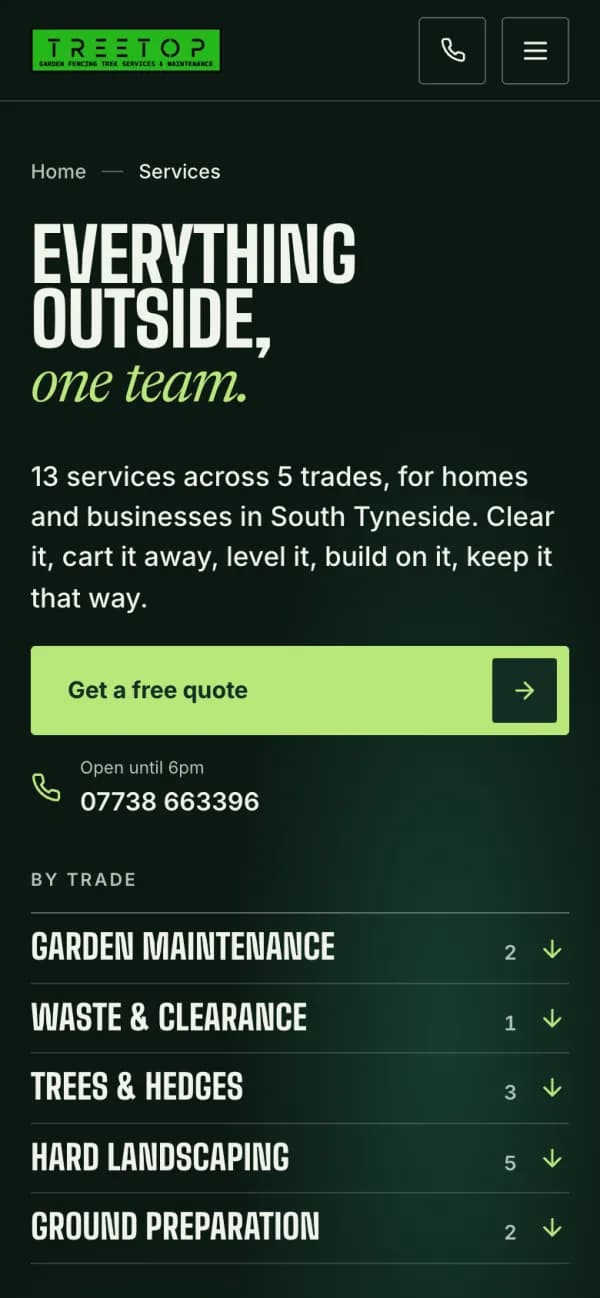
We gave every service, problem and town a page.
Thirteen services, eight common problems and the six towns they cover each have a page, drawn from the same garden plan and map. A quote is a tap away on all of them.
Services 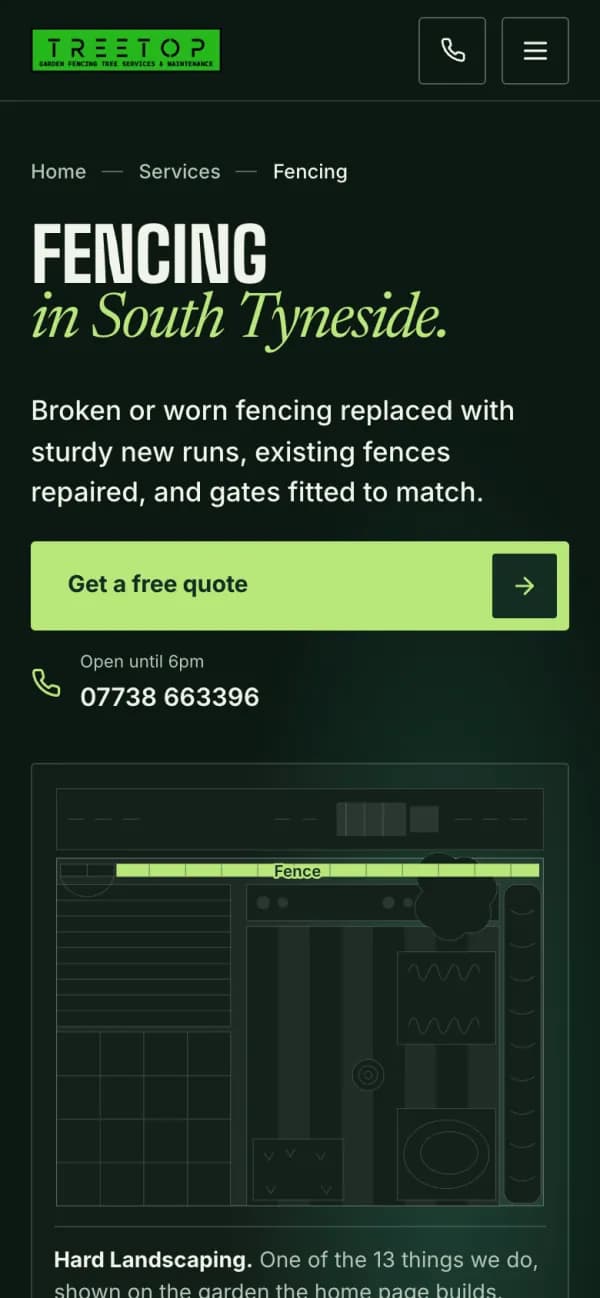
A service 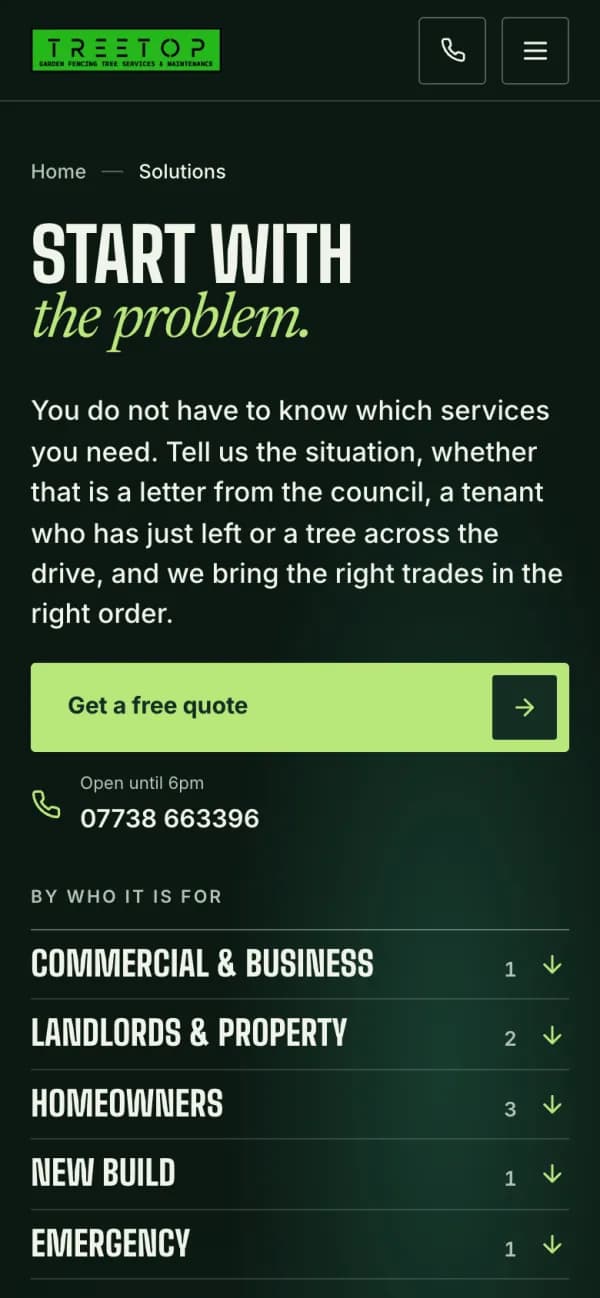
Problems 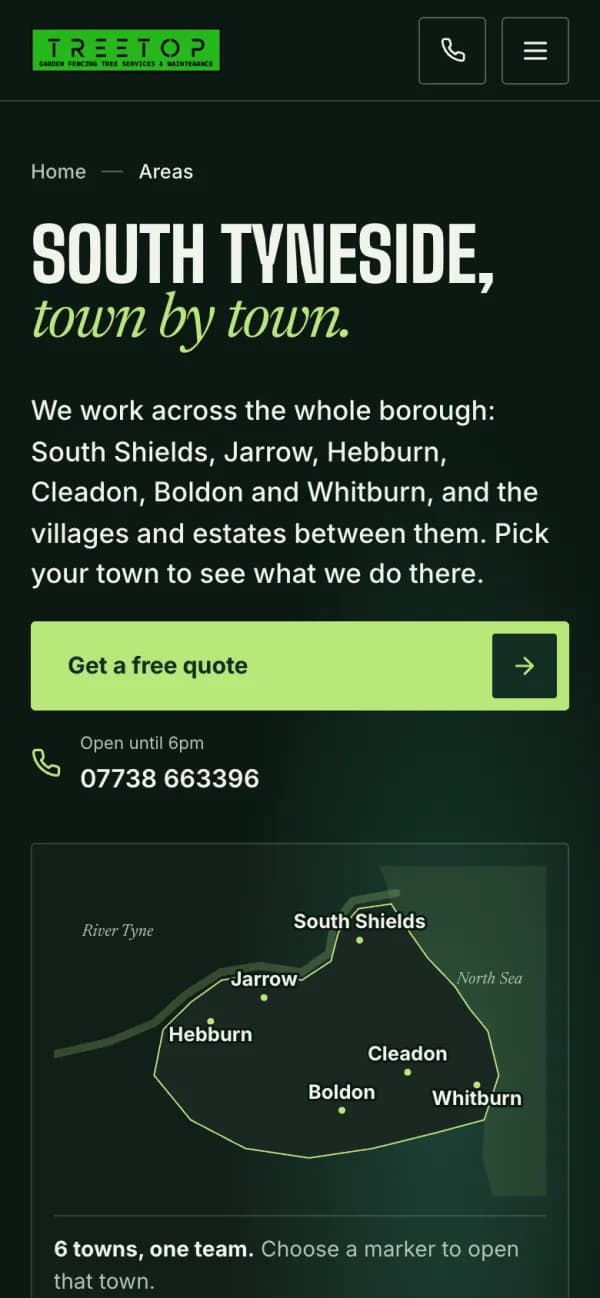
Areas 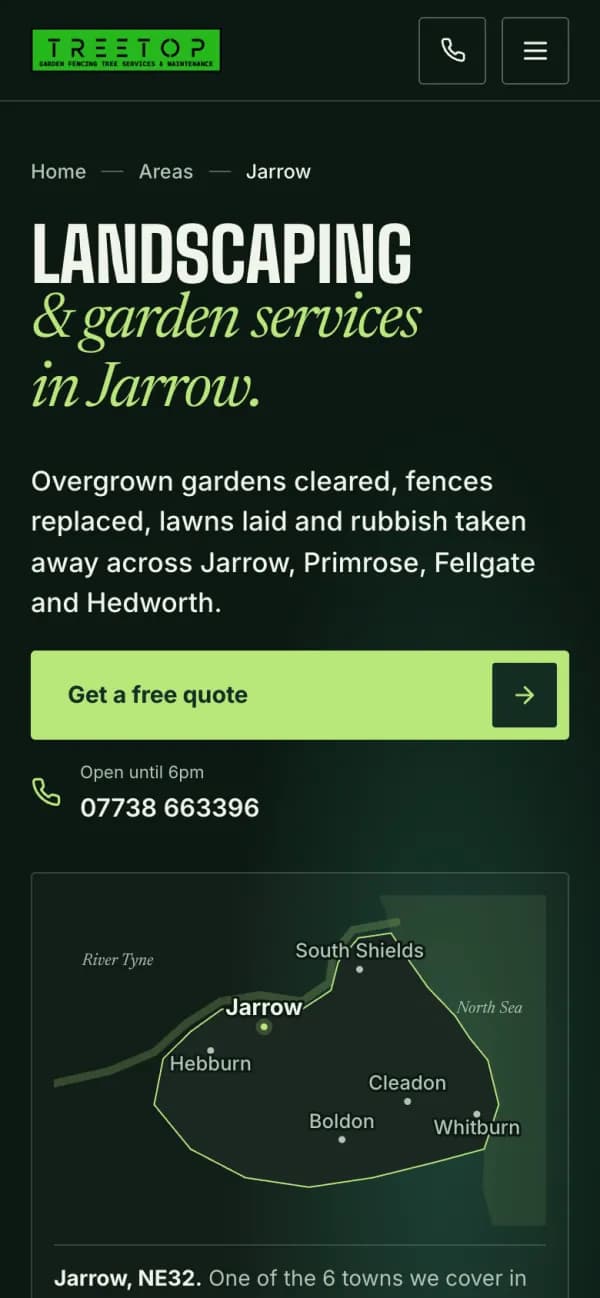
A town 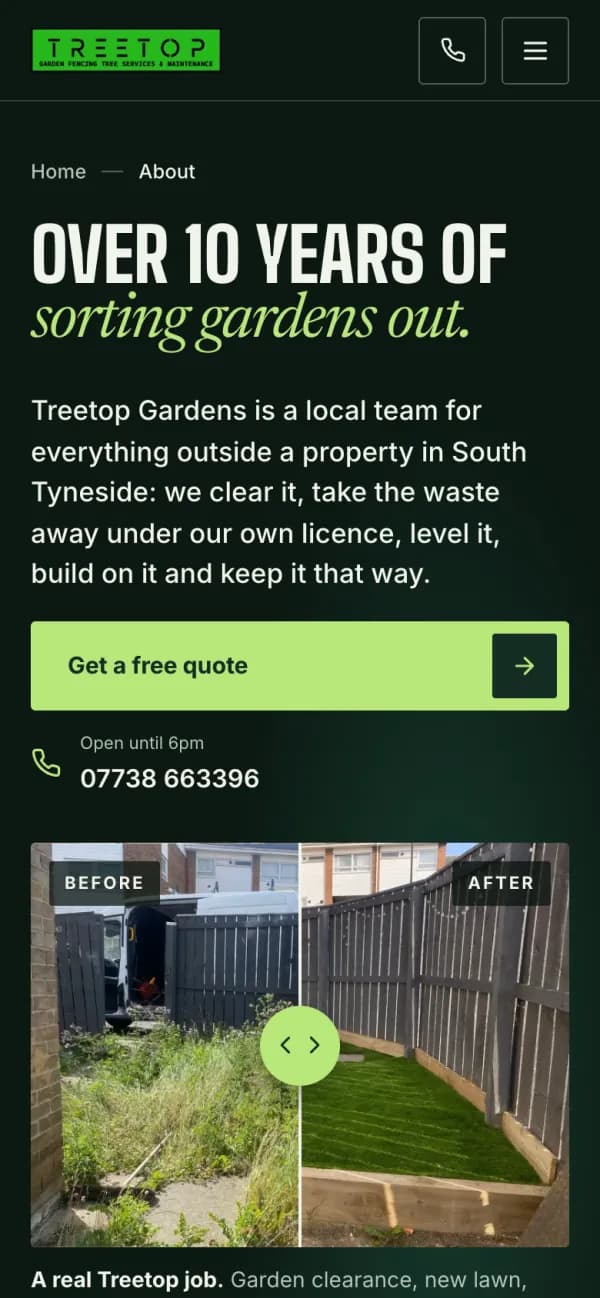
About
A town’s page carries the town into the enquiry form, so nobody is asked for it twice.
LaunchThe enquiry
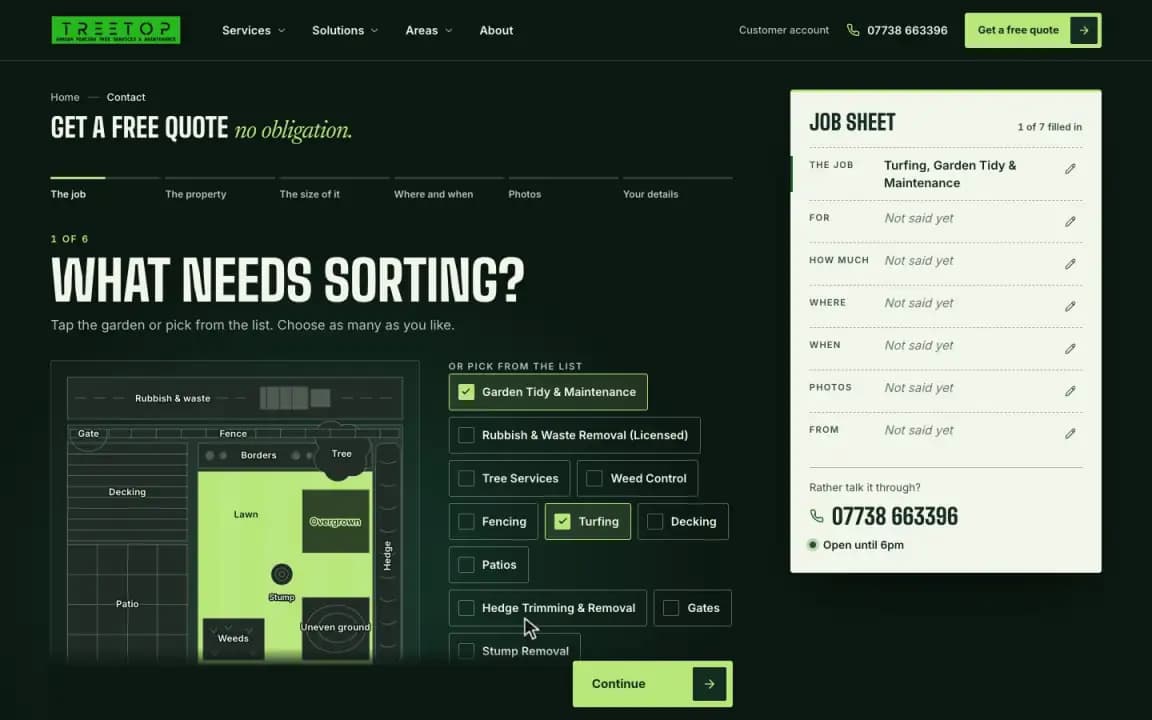
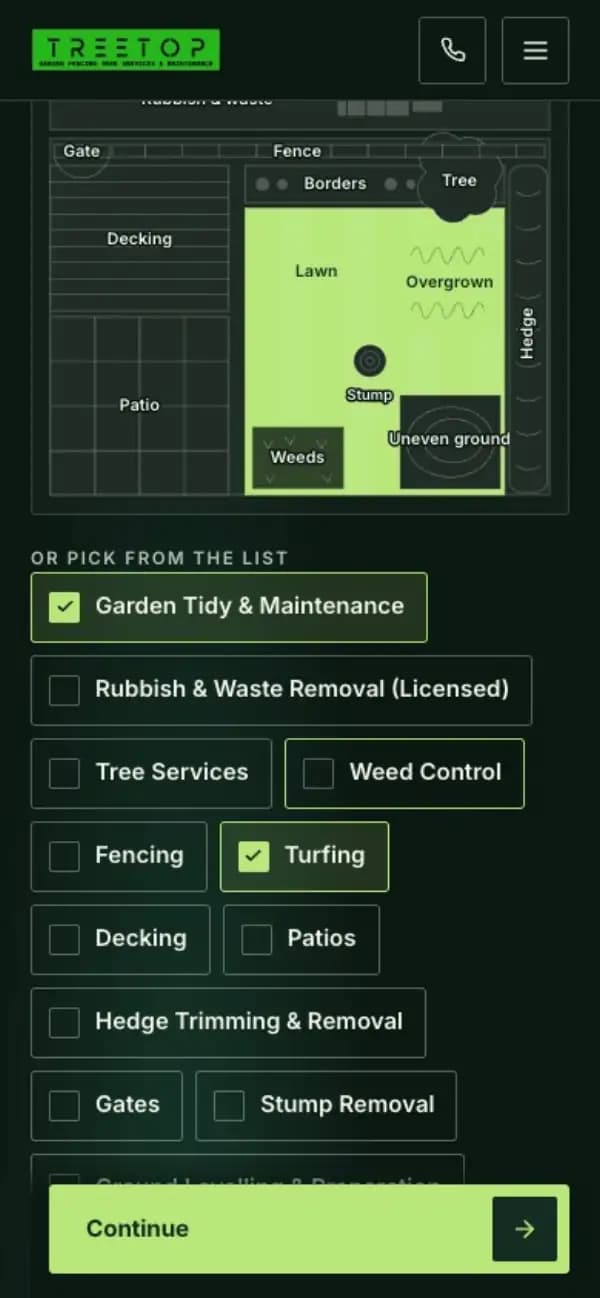
We built the quote request around a plan of a garden.
Visitors tap the parts of the garden that need work and answer a few short questions. A job sheet fills in beside them, so the team has what it needs to price the job.
- The jobTap the garden, or pick from the list.
- The propertyTheir own home, a let or a business.
- The size of itRough answers are fine.
- Where and whenThe nearest town, and how soon.
- PhotosOptional, and made smaller on the phone before they are sent.
- Your detailsWhere to send the quote.
BuildThe staff workspace
We built what happens after they press send.
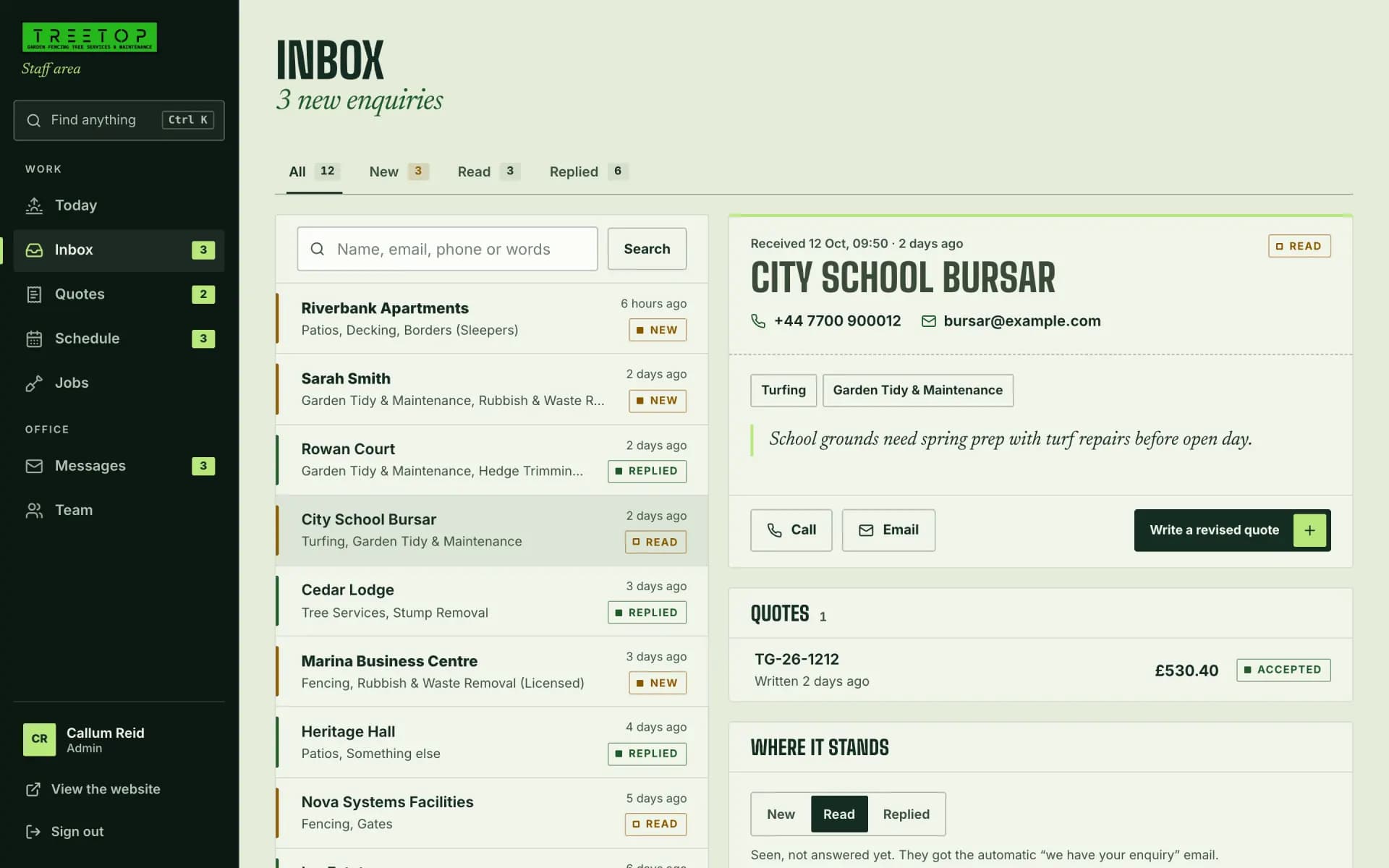
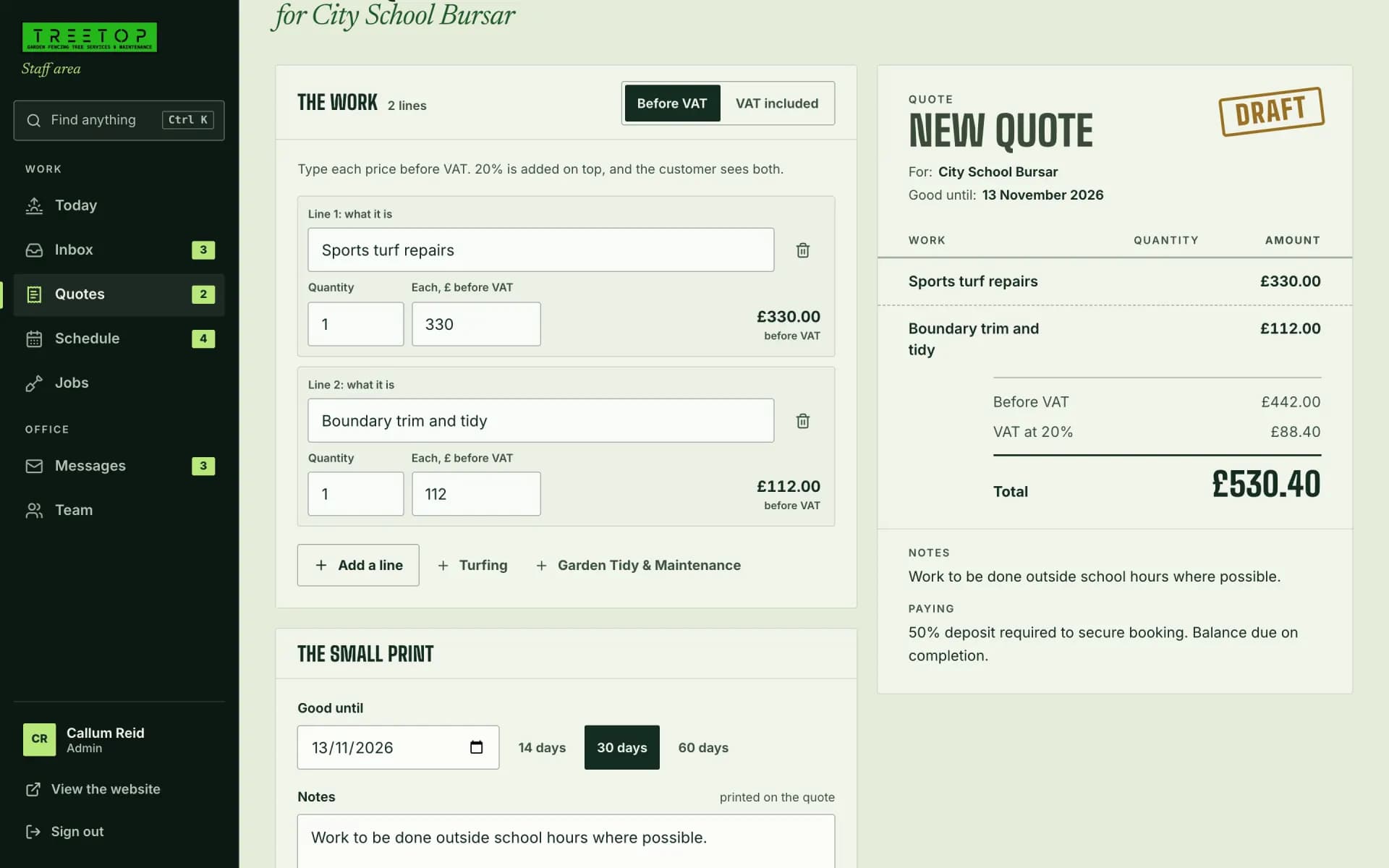
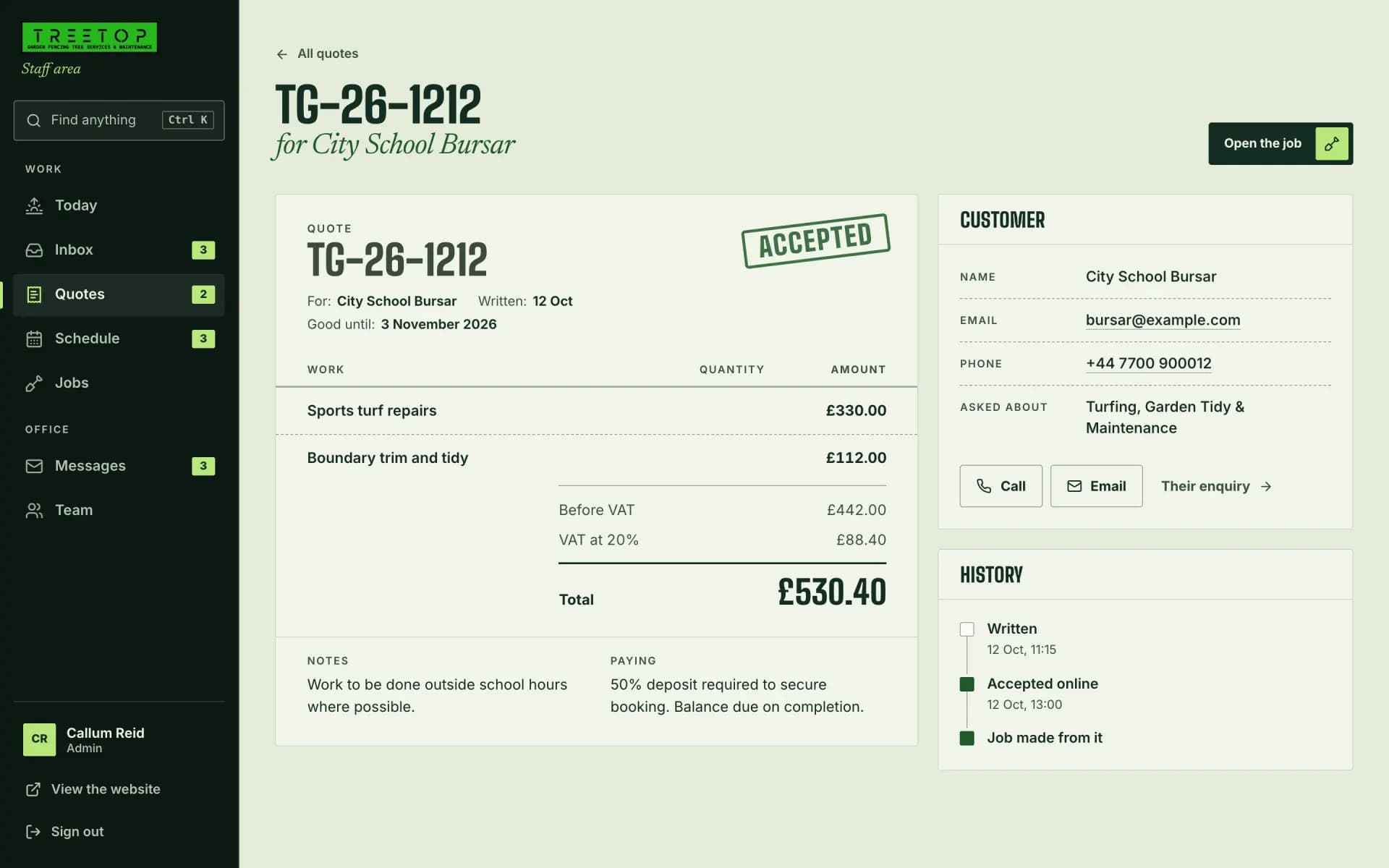
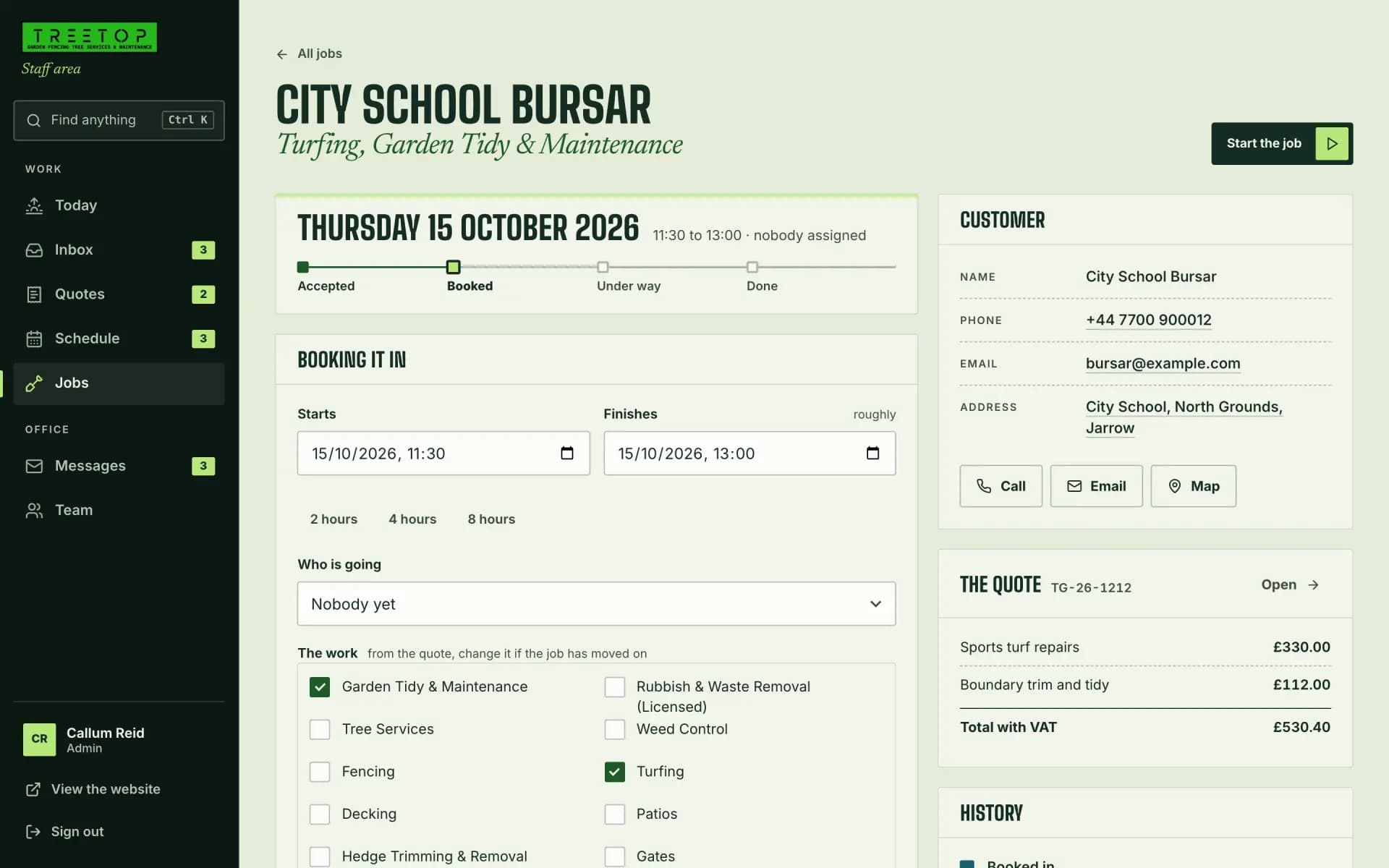
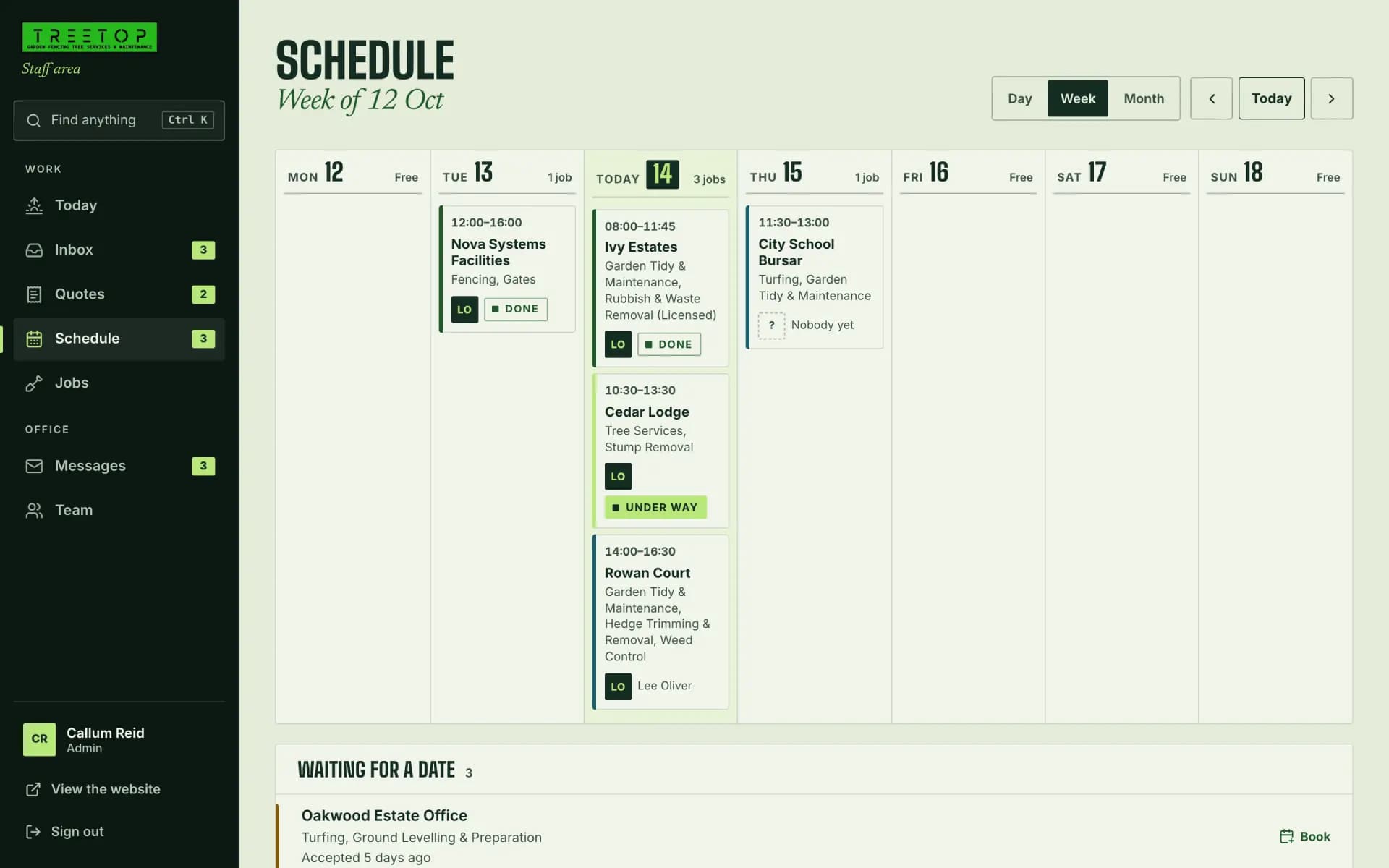
One job, followed through the workspace the team runs on: a school’s turf repairs, from the enquiry to a booked day.
- EnquiryIt lands in the inbox with everything they said. They get an email straight away saying it has.
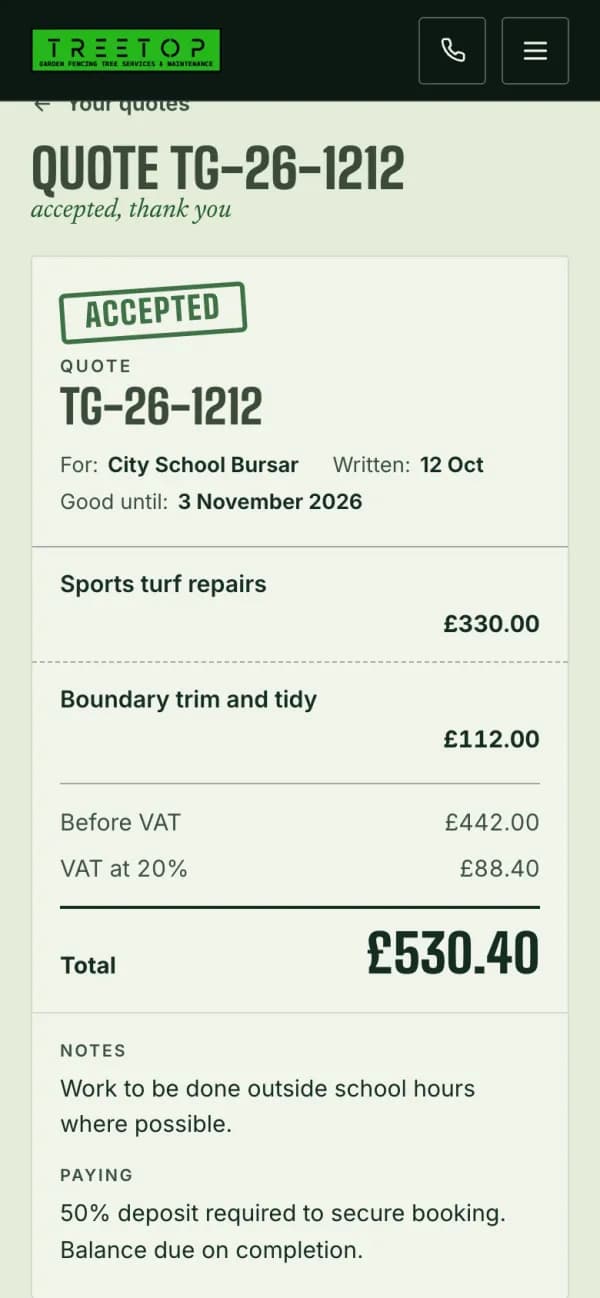
- QuoteWritten from the services they asked for, and laid out beside it as the customer will see it.
- AcceptedThey accept it online. The job is made there and then, and the team gets an email to say so.
- BookedA day, a time and a crew, in UK time, and a confirmation email sent from the job.
- On the scheduleIt takes its place in the week. Once it is done, a thank-you is one button away.
BuildThe staff workspace
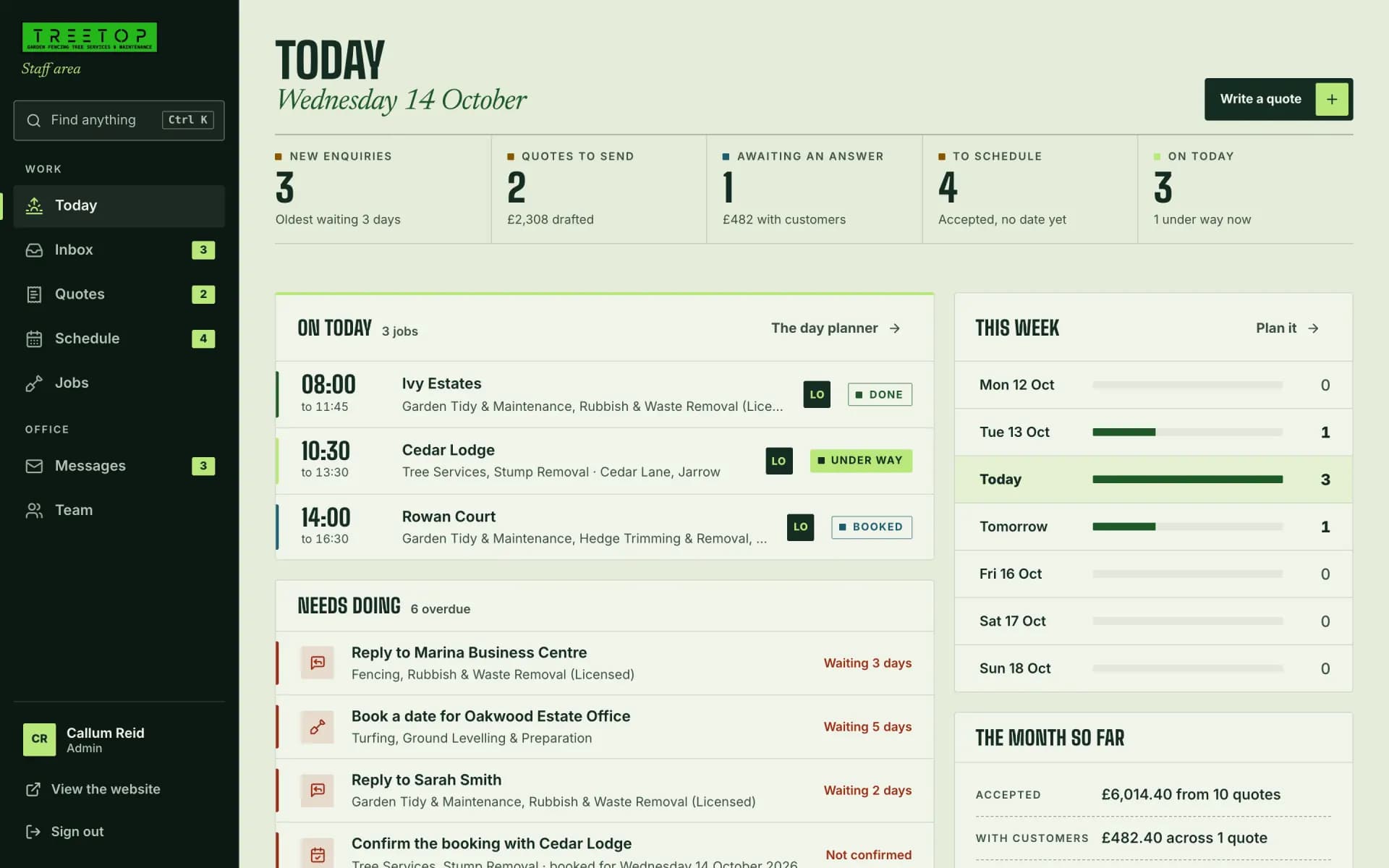
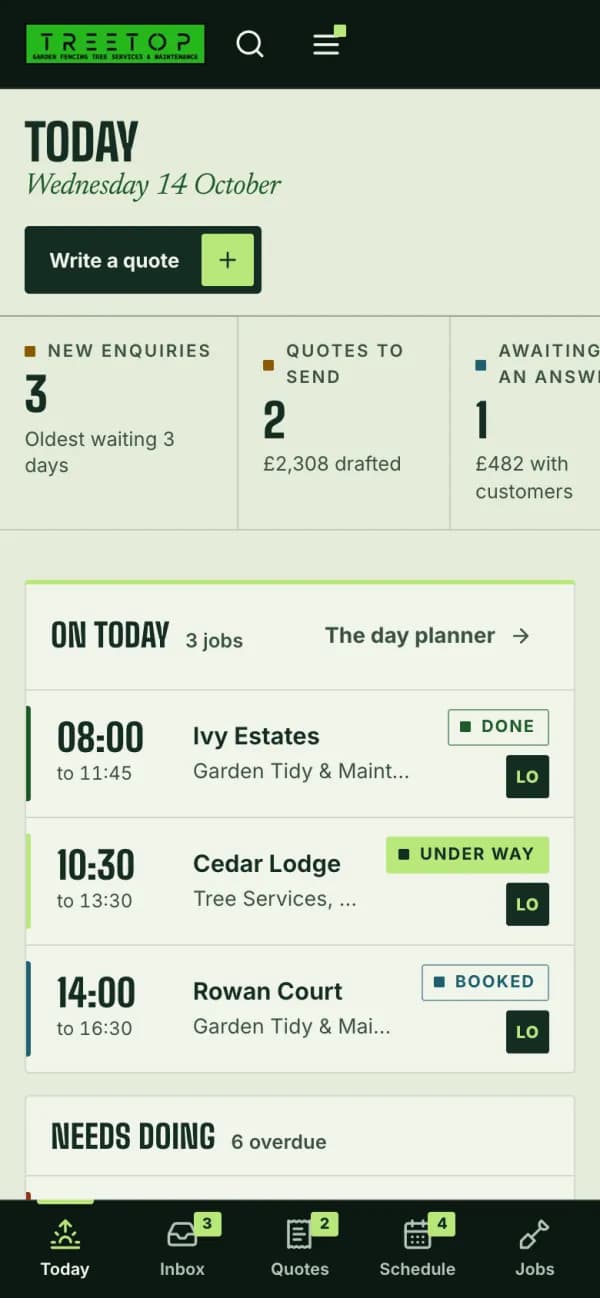
We gave the team one screen for the day.
What is on today, what needs doing next and how the week is filling up. Anything late is in rust, and worded as what to do about it.
- Needs doing
- Replies, quotes to send, days to book and bookings to confirm, the most pressing first.
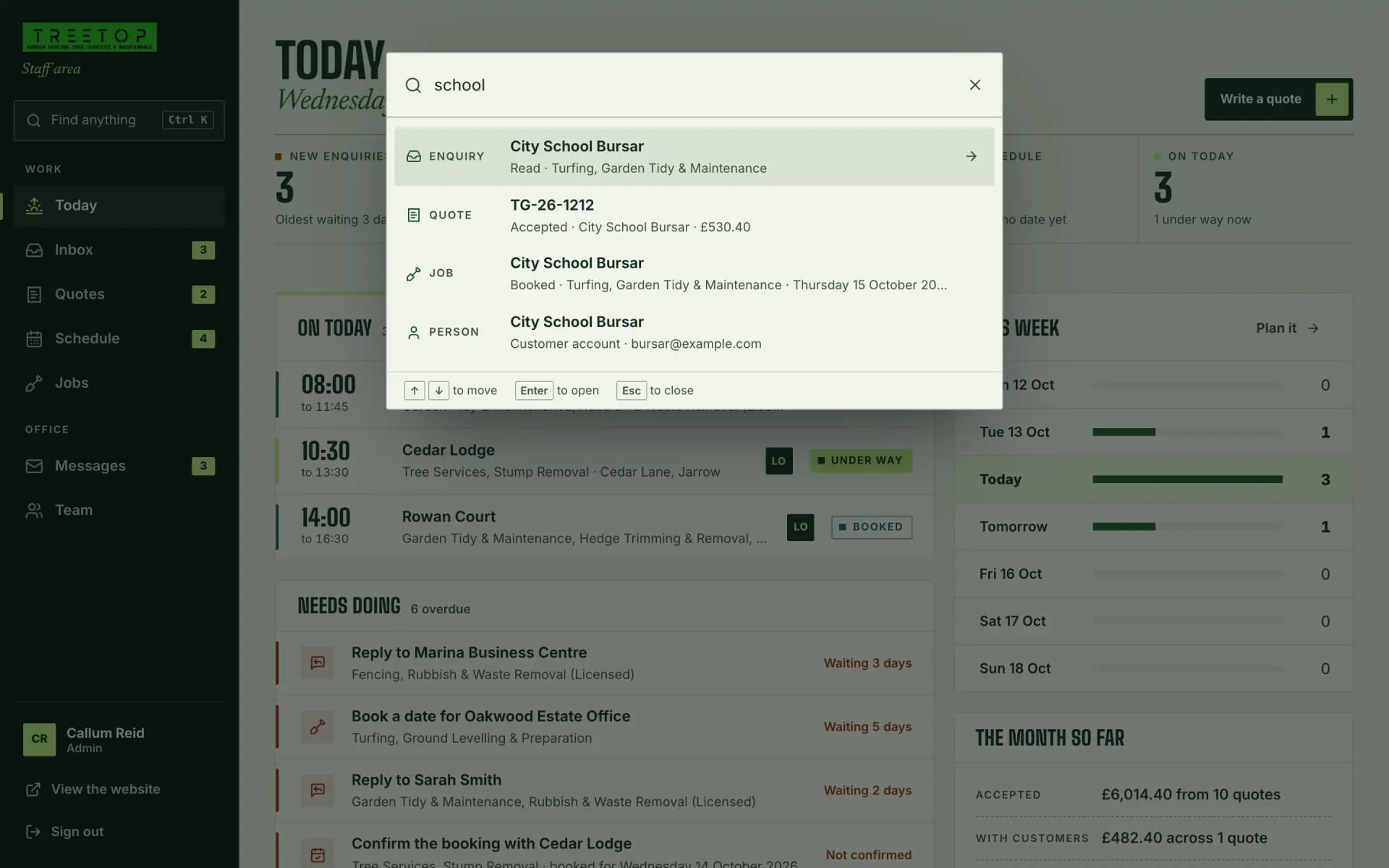
- Find anything
- Ctrl K, or ⌘K on a Mac, finds a customer, a quote or a job by name, phone, street or number.
- On a phone
- The same workspace, with five tabs along the foot of the screen.
In the staff workspace
- Today
- Inbox
- Quotes
- Jobs
- Schedule
- Messages
- Team
- Search
AutomateThe emails
We wrote an email for every step.
Five go to the customer and two to the team. Some go out on their own; the rest are sent from the quote or the job they belong to.
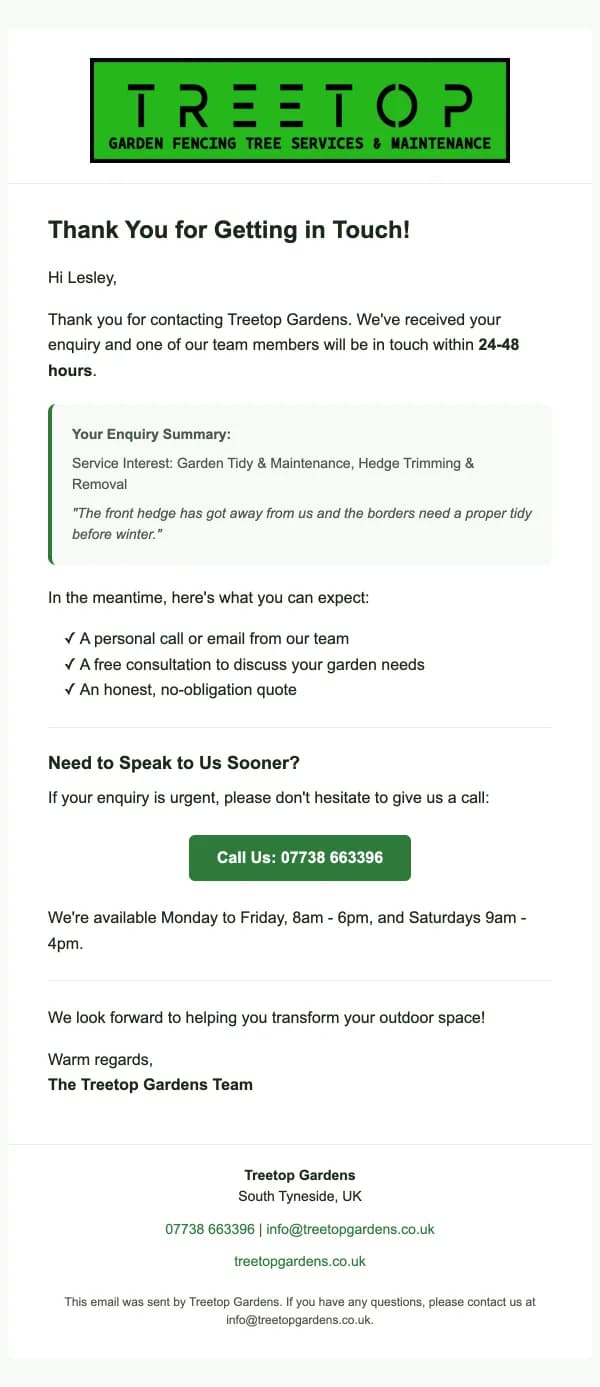
Enquiry receivedTo the customer. Straight after they send an enquiry. 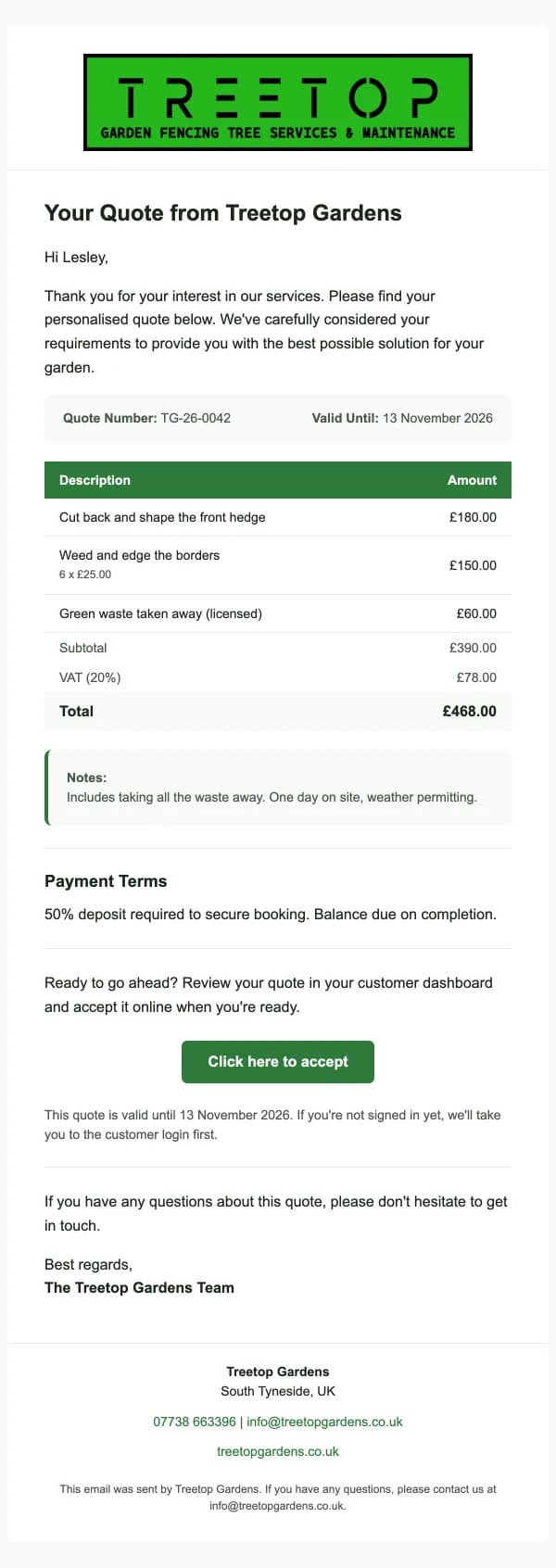
QuoteTo the customer. When a quote is sent. 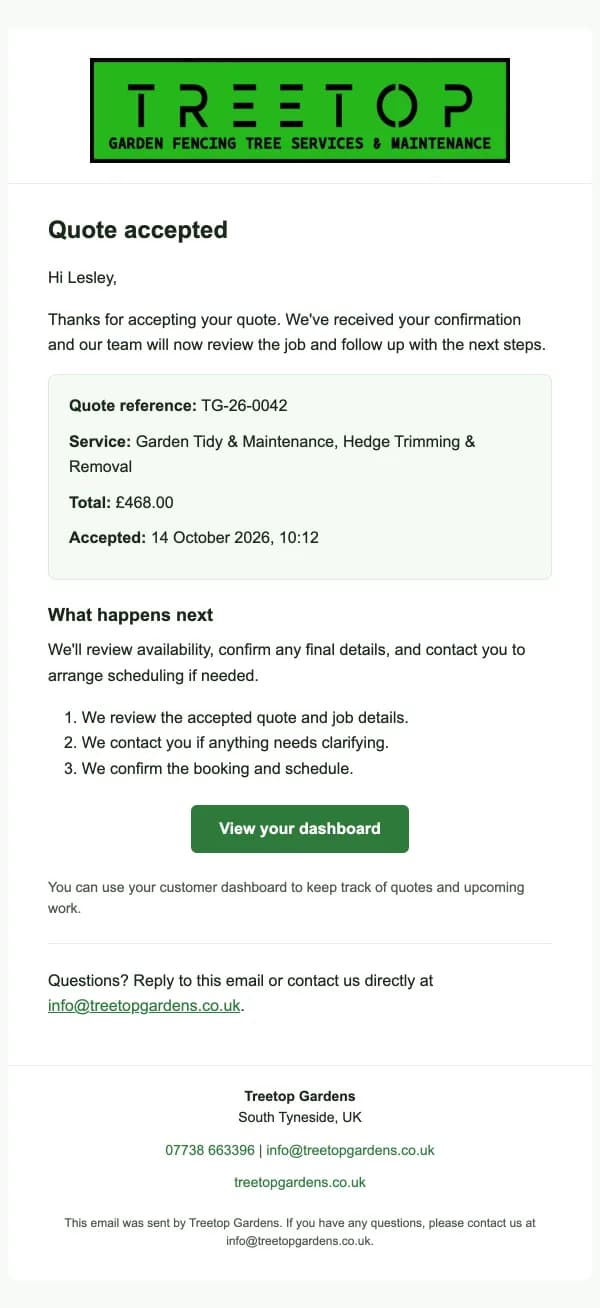
Quote acceptedTo the customer. As soon as they accept. 
Booking confirmationTo the customer. Sent from the job, once it has a date. 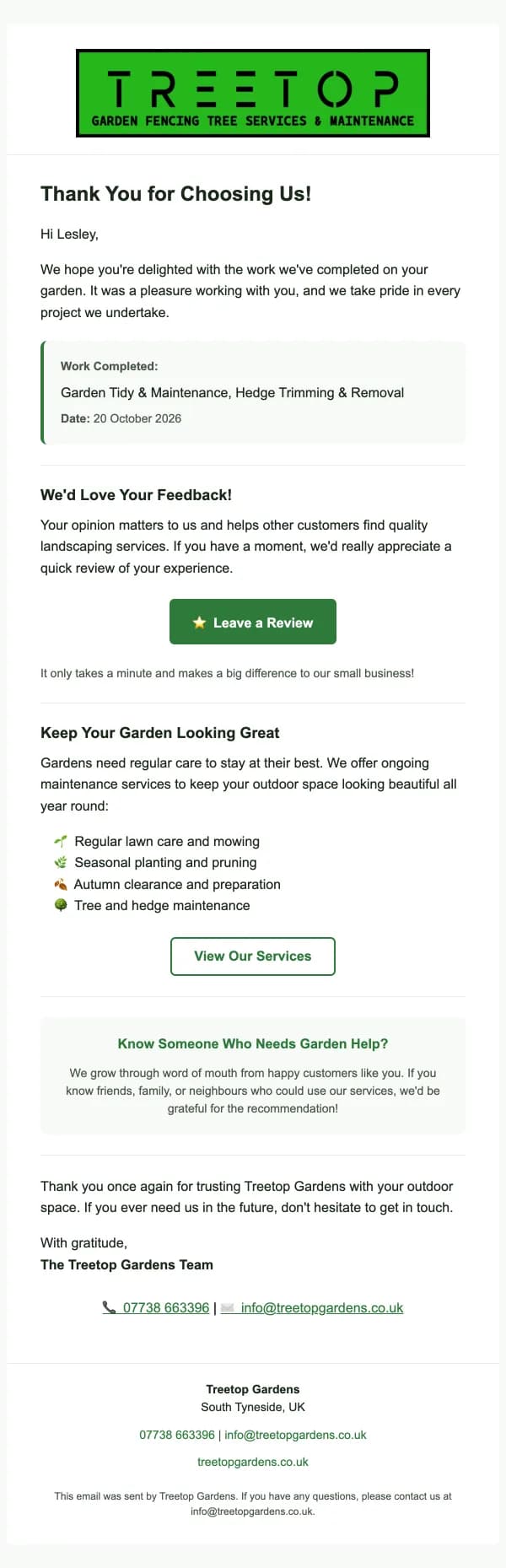
Thank youTo the customer. Sent from the job, once it is done.
And two to the team
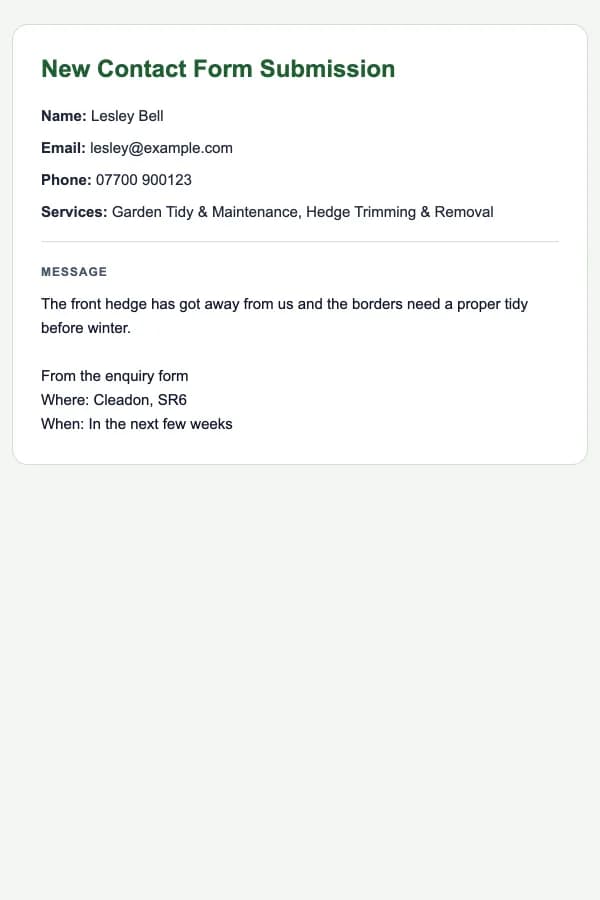
New enquiry alertThe moment an enquiry arrives. 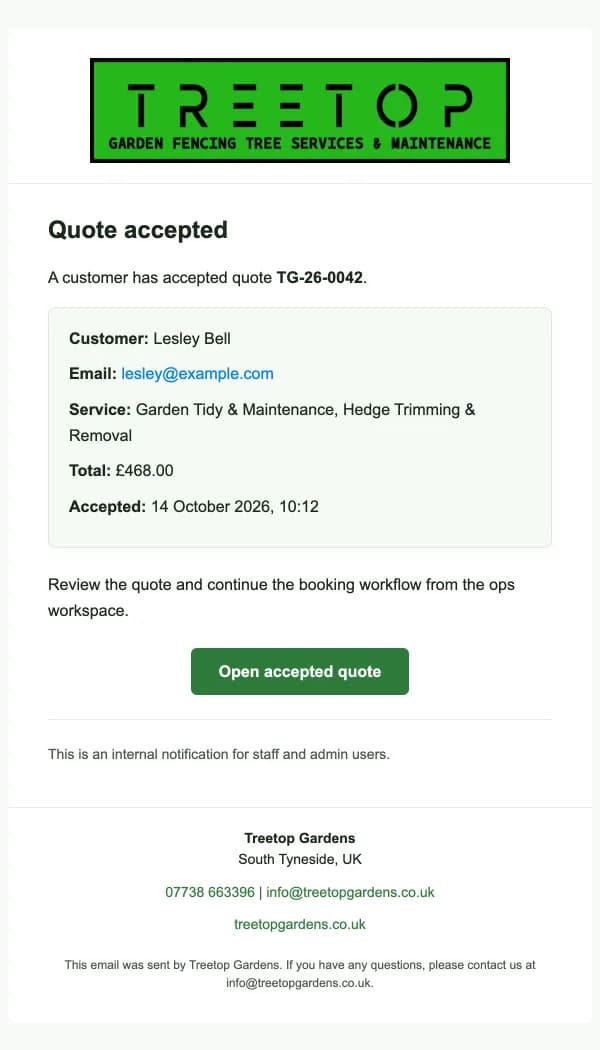
Quote accepted alertWhen a customer accepts online.
Booking confirmations and thank-yous that are due wait in a list of their own, so none is forgotten.
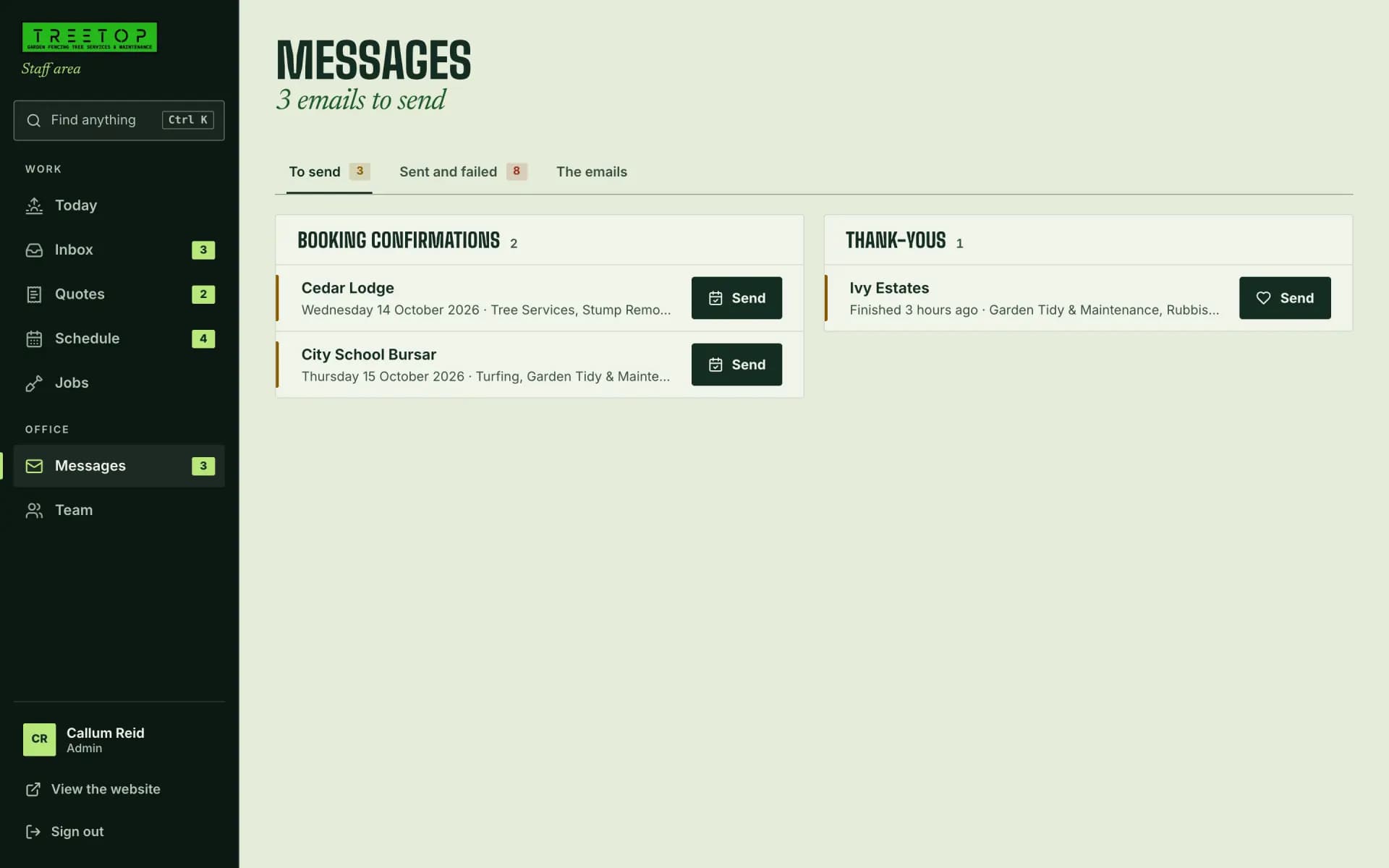
Shown with the made-up details the team’s own preview uses.
BuildCustomer accounts
We gave customers an account.
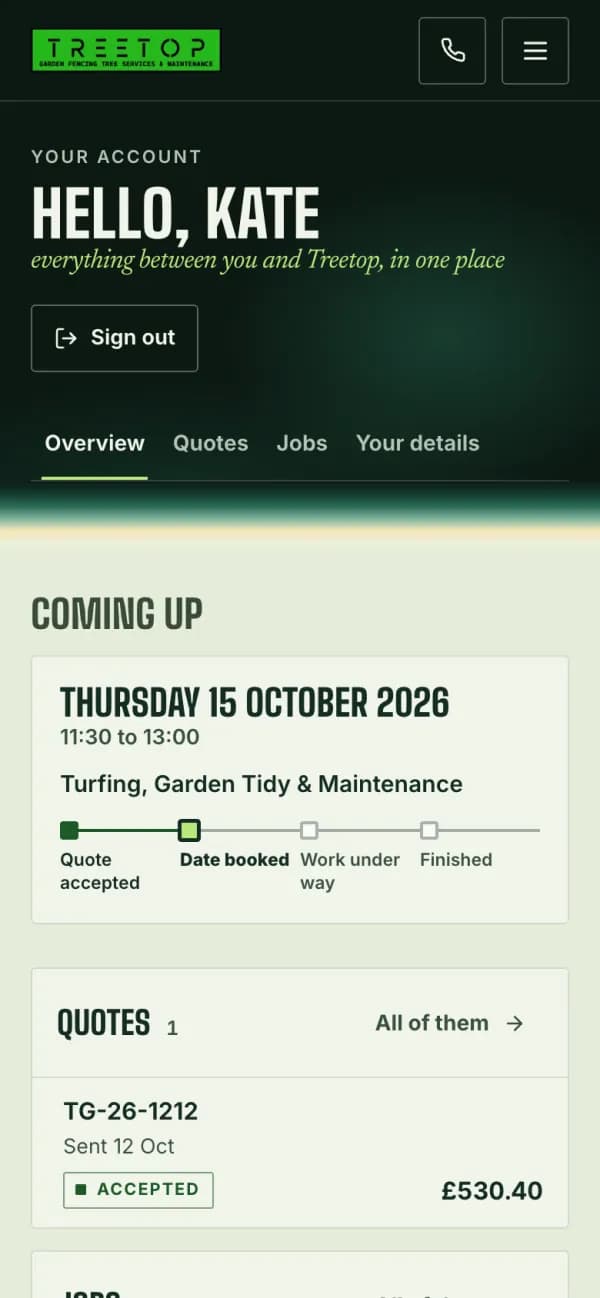
Their quotes, the next visit and how far along it is, and every enquiry they have sent, in one place.
Overview A quote 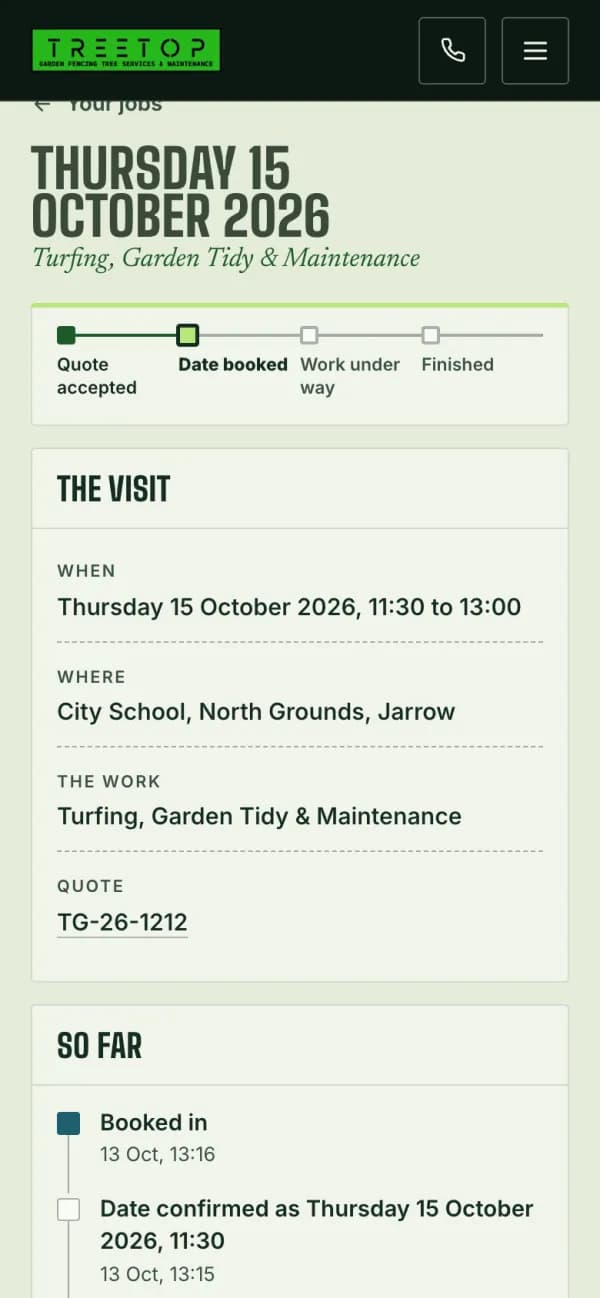
A job
- Quotes
- Accept or decline online. Once a quote has passed its date, they are asked to ring instead.
- Jobs
- From the day it is booked to the day it is done, in plain words.
- Details
- Their name, email and password, changed in place.
Shown with a made-up customer.
What this shows, and what it doesn’t.
- The brief
- Thirteen services across five trades, for homes, landlords and businesses. An enquiry had to say enough to price the job, and an accepted quote had to become a booked job without anything being typed twice.
- What we built
- The landing page and every page of the site, the enquiry form, customer accounts, the staff workspace and the emails at each step.
- Where it stands
- Live at treetopgardens.co.uk: the site, the enquiry form, customer accounts and the staff workspace.
- Not claimed
- No figures for enquiries, jobs or revenue. Those are Treetop’s own, and the screens here show made-up customers and prices instead.
Now picture yours.
Every project starts with what the business does. Tell us where yours gets stuck and we’ll say where we would start.